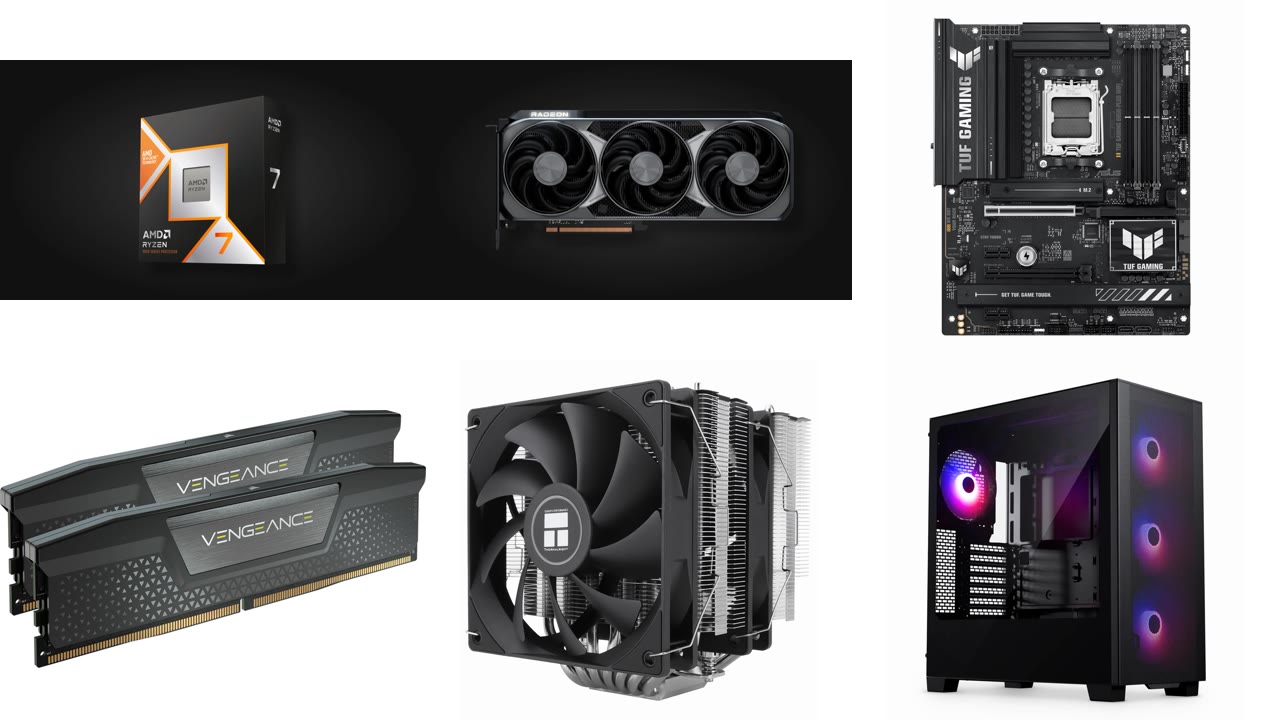
Building a high-end gaming PC in 2026 costs more than it did a year ago. Memory and SSD prices jumped as AI data centers soaked up supply, and some graphics cards sell far above their launch prices. This build still lands at roughly $2,500. It pairs the best-value gaming CPU, the AMD Ryzen 7 9800X3D, with a Radeon RX 9070 XT. It targets high-refresh 1440p gaming and handles 4K with upscaling.
Below you will find the full parts list, an official photo of every component, why we picked it, and a video showing exactly how to install each part. The videos come from Robeytech’s 2026 build guide, which uses almost the same parts: a Ryzen 7 9800X3D, an RX 9070 XT, a Thermalright Phantom Spirit 120 SE cooler and an ASUS TUF motherboard.
As an Amazon Associate I earn from qualifying purchases.
The $2,500 Gaming PC Parts List
Prices are approximate US street prices in early October 2026. They move often, especially for RAM, SSDs and graphics cards, so check the current price before you buy.
| Part | Our pick | Approx. price | Buy |
|---|---|---|---|
| CPU | AMD Ryzen 7 9800X3D | $420 | Check price |
| CPU cooler | Thermalright Phantom Spirit 120 SE | $40 | Check price |
| Motherboard | ASUS TUF Gaming B850-Plus WiFi | $205 | Check price |
| Memory | 32GB (2×16GB) DDR5-6000 CL30, e.g. Corsair Vengeance | $400–$480 | Check price |
| Storage | Samsung 990 PRO 2TB NVMe SSD | $390 | Check price |
| Graphics card | AMD Radeon RX 9070 XT (16GB) | $750 | Check price |
| Power supply | Corsair RM850x (850W, ATX 3.1) | $136 | Check price |
| Case | Phanteks XT Pro Ultra | $90 | Check price |
| Total | ≈ $2,430–$2,510 |
Windows is not included. You also need a Phillips #2 screwdriver, and a USB flash drive of at least 8GB to install Windows.
Watch the Full Build First
If this is your first build, watch the whole video once before you open any boxes. Then come back and follow each part below. Every video in this guide starts at the right moment for that component.
The Components, One by One (in Install Order)
1. Motherboard: ASUS TUF Gaming B850-Plus WiFi
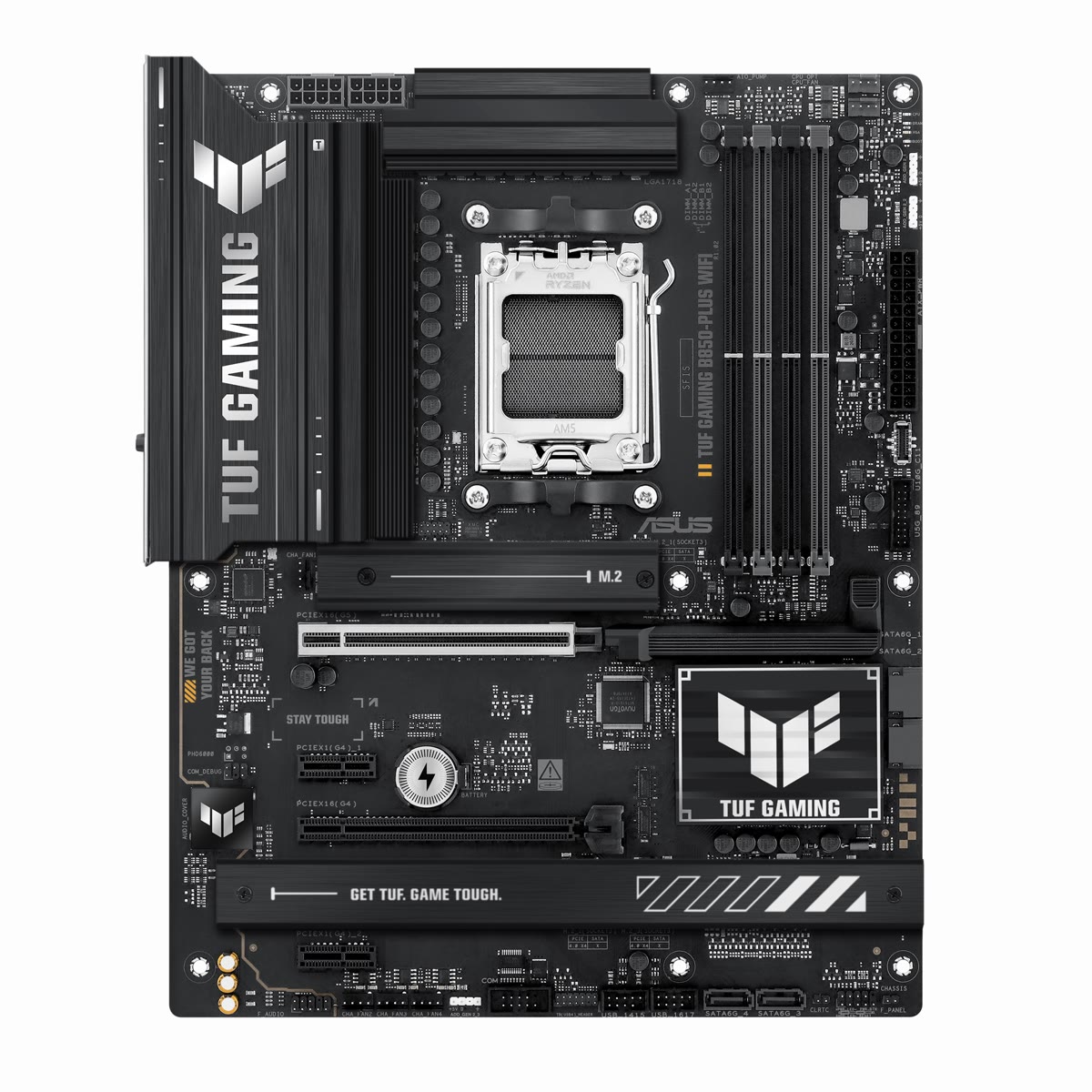
The motherboard is the base everything plugs into, so you start here, on top of its box, outside the case. The TUF Gaming B850-Plus WiFi is a full-size ATX board for AMD’s AM5 socket. It has Wi-Fi 7, 2.5Gb Ethernet, PCIe 5.0 and three M.2 slots for SSDs. It also has BIOS FlashBack, which lets you update the BIOS from a USB drive without a CPU or memory installed. B850 boards support the Ryzen 9000 chips out of the box.
Install tip: leave the board on its box or an anti-static bag while you install the CPU, RAM, SSD and cooler. It is much easier than working inside the case.
Check the ASUS TUF Gaming B850-Plus WiFi price on Amazon →
2. CPU: AMD Ryzen 7 9800X3D
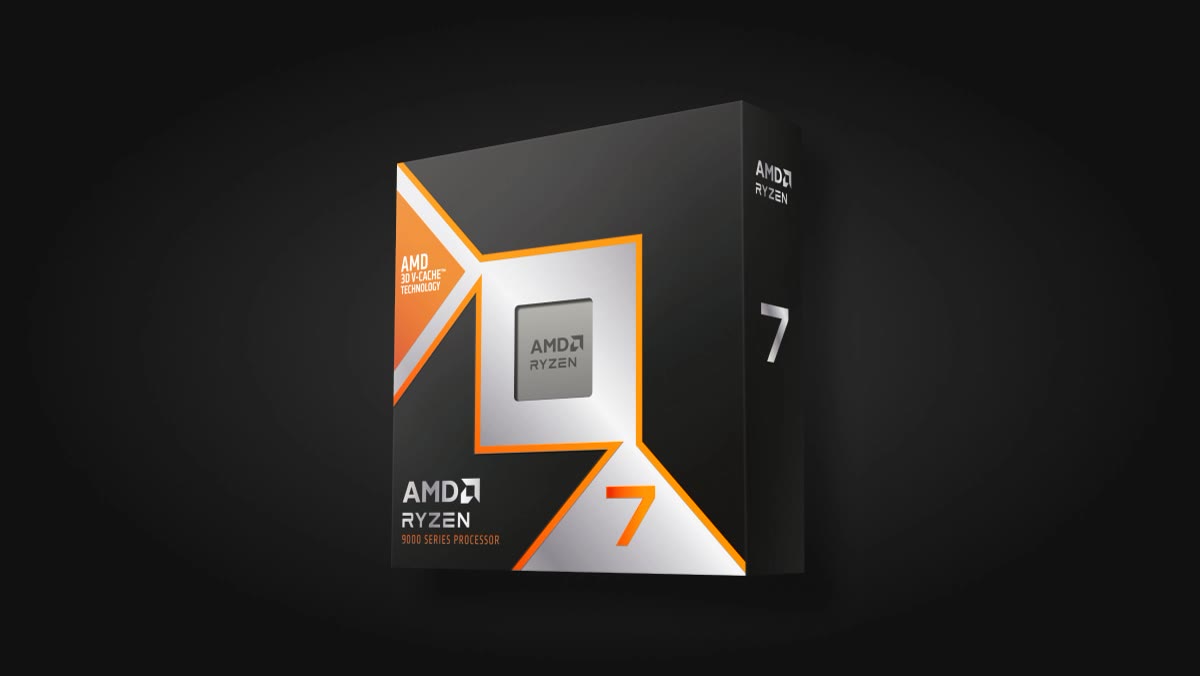
The Ryzen 7 9800X3D is still the best gaming CPU for the money in 2026. It has 8 cores, 16 threads, a 5.2GHz boost clock and 96MB of L3 cache thanks to AMD’s 3D V-Cache. That large cache is what makes it so fast in games. The newer Ryzen 7 9850X3D boosts higher, but it is only about 3% faster in games and costs more, so the 9800X3D is the smarter buy.
Install tip: lift the socket lever, then match the small gold triangle on the corner of the CPU with the triangle on the socket. Lower the chip straight down without sliding it. Close the lever, and the plastic cover pops off by itself. Never force it.
Check the AMD Ryzen 7 9800X3D price on Amazon →
3. Memory: 32GB DDR5-6000 CL30
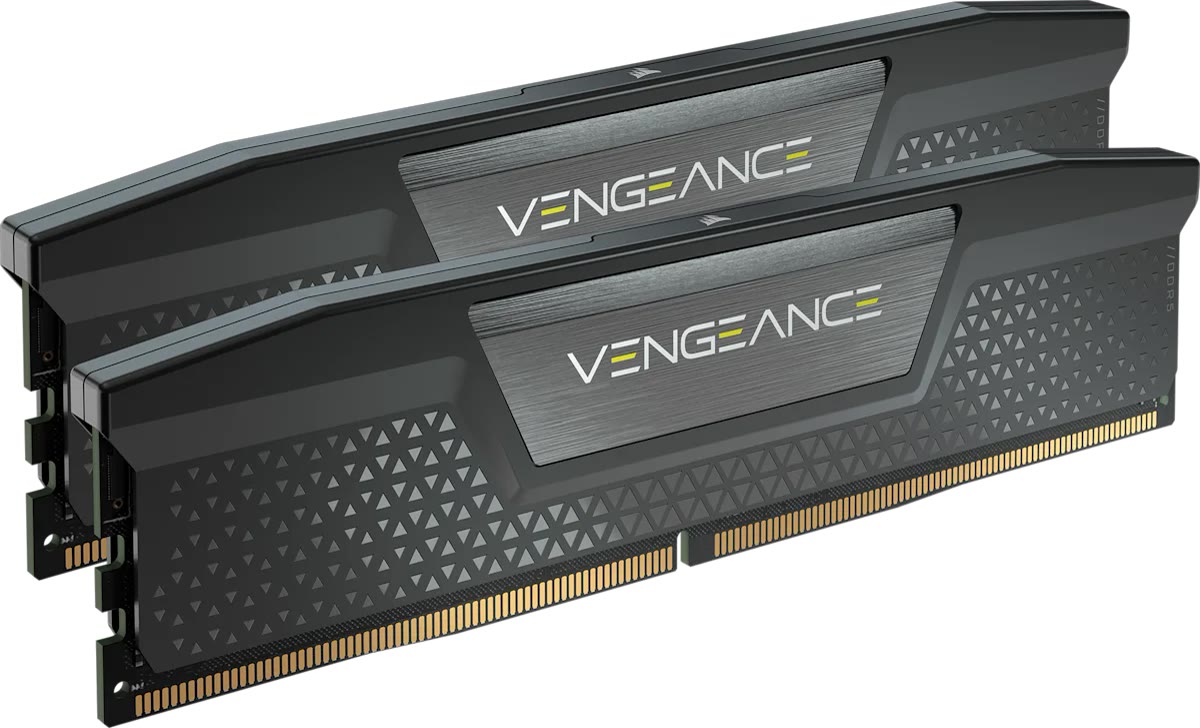
32GB is the sweet spot for gaming in 2026, and DDR5-6000 CL30 is the classic match for Ryzen on AM5. Two 16GB sticks run in dual channel. RAM is the part hit hardest by the shortage: 32GB kits now cost around $400 to $480. Buy any reputable DDR5-6000 CL30 kit that lists AMD EXPO support. Do not pay extra for 64GB unless you edit video or run local AI models. Read more about why RAM prices may stay high through 2028, or see our DDR4 vs DDR5 guide.
Install tip: with two sticks, use the second and fourth slots counting from the CPU (A2 and B2 in the manual). Open the latch, line up the notch, and press down firmly until it clicks.
Check the Corsair Vengeance 32GB 2x16GB DDR5 6000 CL30 price on Amazon →
4. SSD: Samsung 990 PRO 2TB
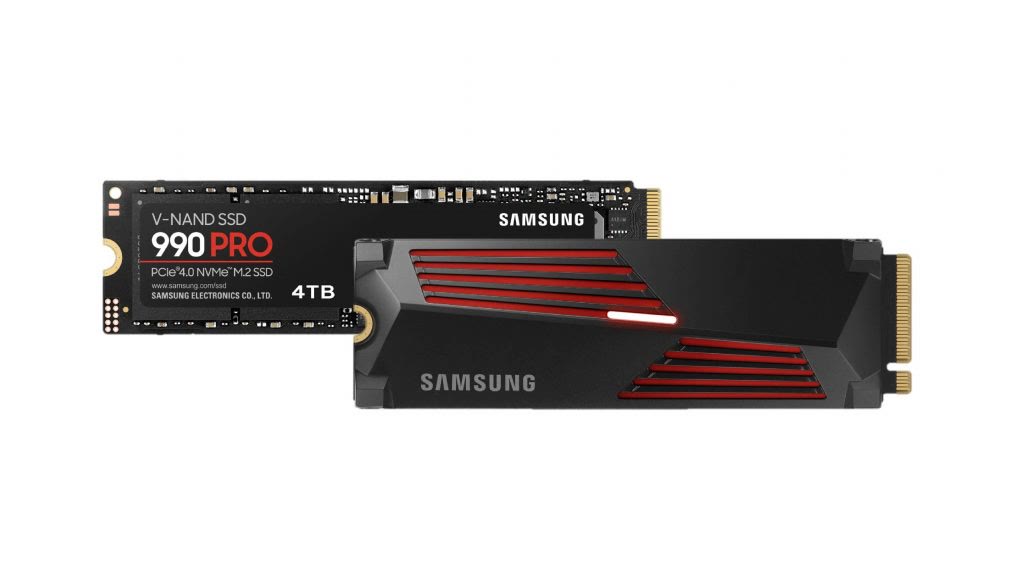
Modern games often need 100GB or more each, so 2TB is the practical minimum for a high-end PC. The Samsung 990 PRO is a fast and proven PCIe 4.0 NVMe drive. You do not need the heatsink version, because the motherboard has its own M.2 heatsink. SSD prices also rose in 2026. The WD_Black SN850X 2TB is an equally good alternative, so buy whichever is cheaper that day.
Install tip: use the top M.2 slot, closest to the CPU. Remove the board’s M.2 heatsink, peel the protective film from its thermal pad, slide the SSD in at an angle, press it flat, and lock it in place.
Check the Samsung 990 PRO 2TB price on Amazon →
5. CPU Cooler: Thermalright Phantom Spirit 120 SE
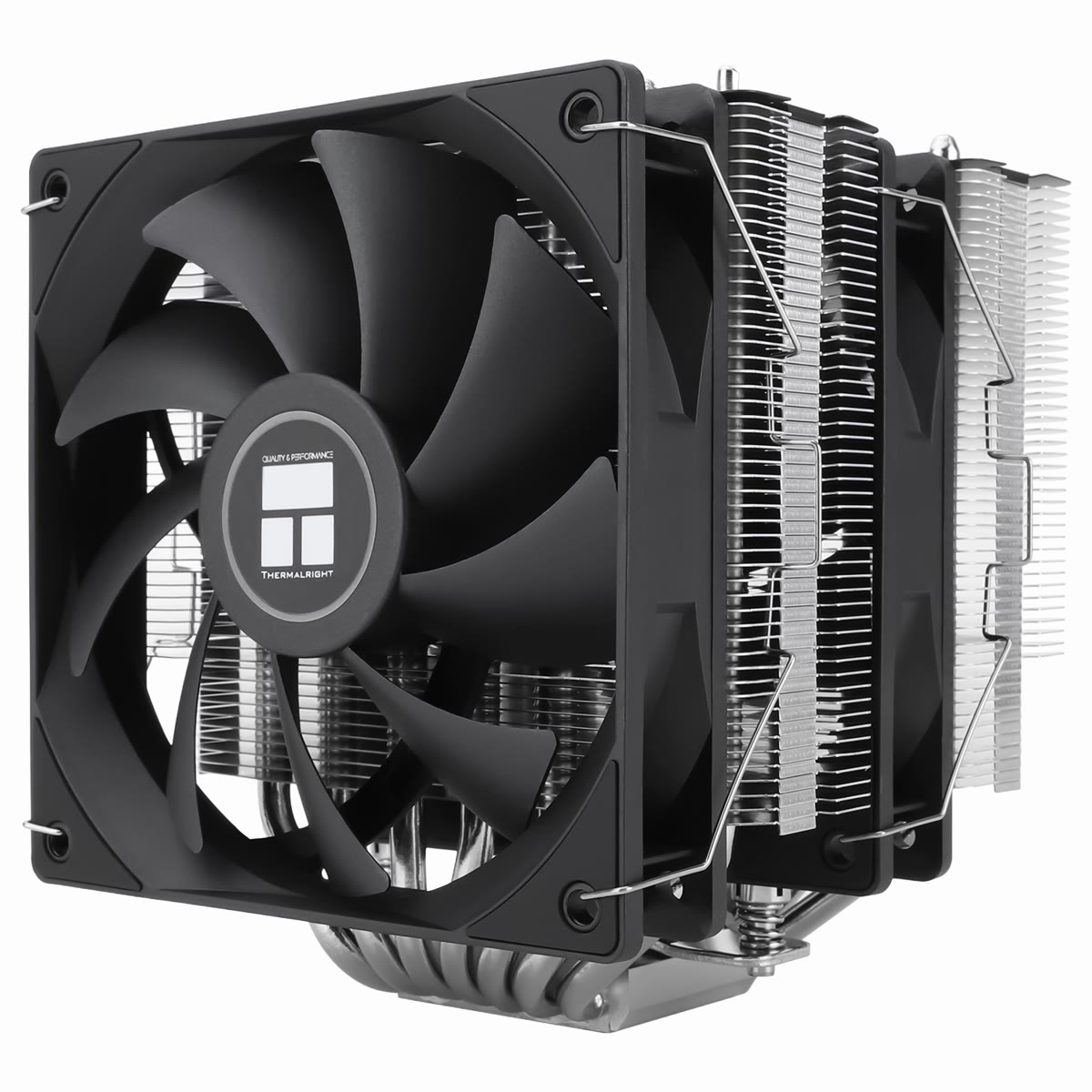
The 9800X3D does not come with a cooler. This dual-tower air cooler costs about $40 and keeps the chip under control in games, with no pump to fail. It includes AM5 mounting hardware and thermal paste.
Install tip: check that the cooler will not block your first RAM slot before you tighten it. Remove the plastic film from the cooler’s base before mounting. Many people forget, and temperatures shoot up.
Check the Thermalright Phantom Spirit 120 SE price on Amazon →
6. Case: Phanteks XT Pro Ultra
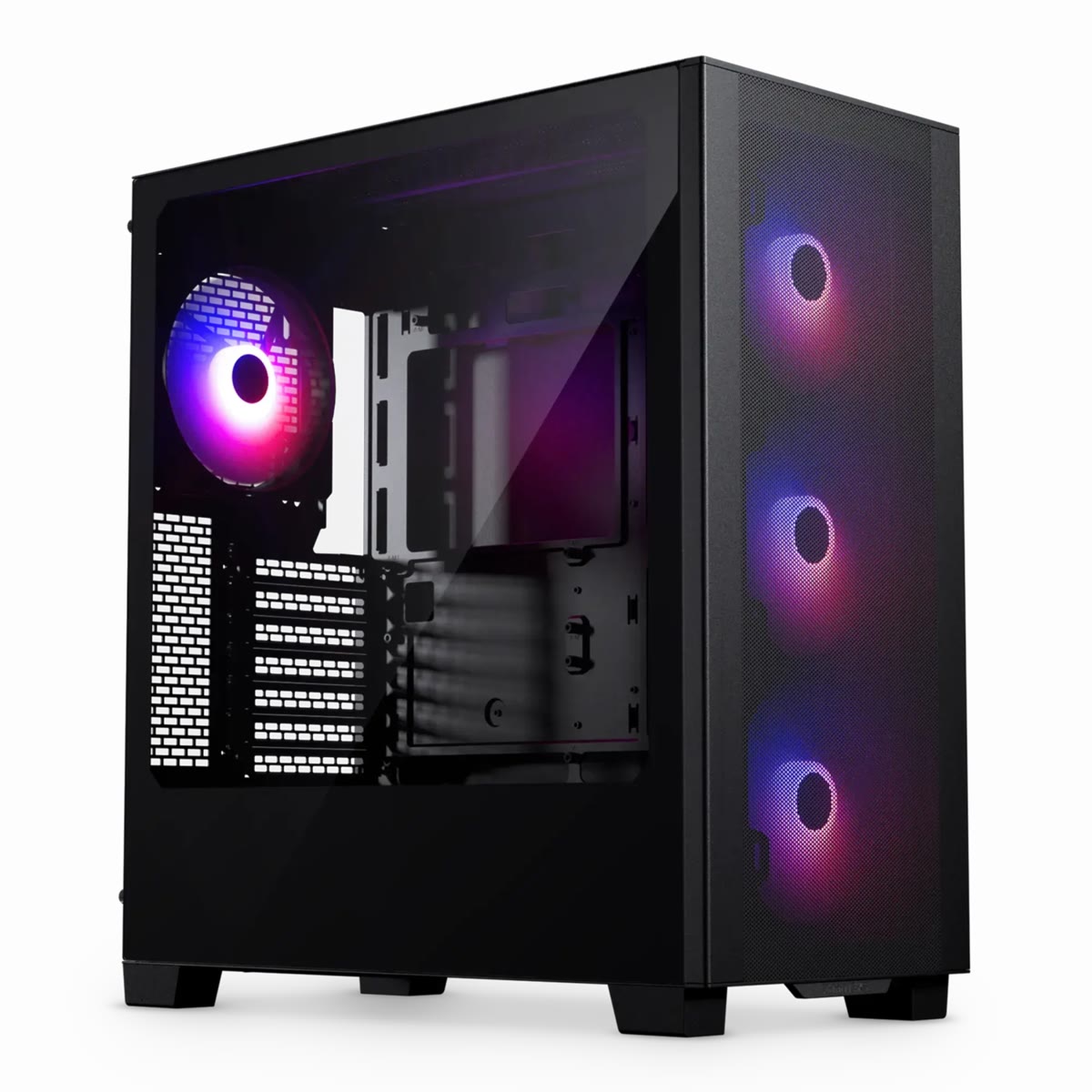
The XT Pro Ultra has a mesh front and four pre-installed fans, so you do not need to buy extra fans. It has a tempered glass side and good cable management for around $90.
Install tip: remove both side panels and the bag of screws first. Then lower the motherboard in, align it with the standoffs and the rear I/O, and screw it down. Connect the front-panel cables (power button, USB and audio) using the motherboard manual.
Check the Phanteks XT Pro Ultra price on Amazon →
7. Power Supply: Corsair RM850x
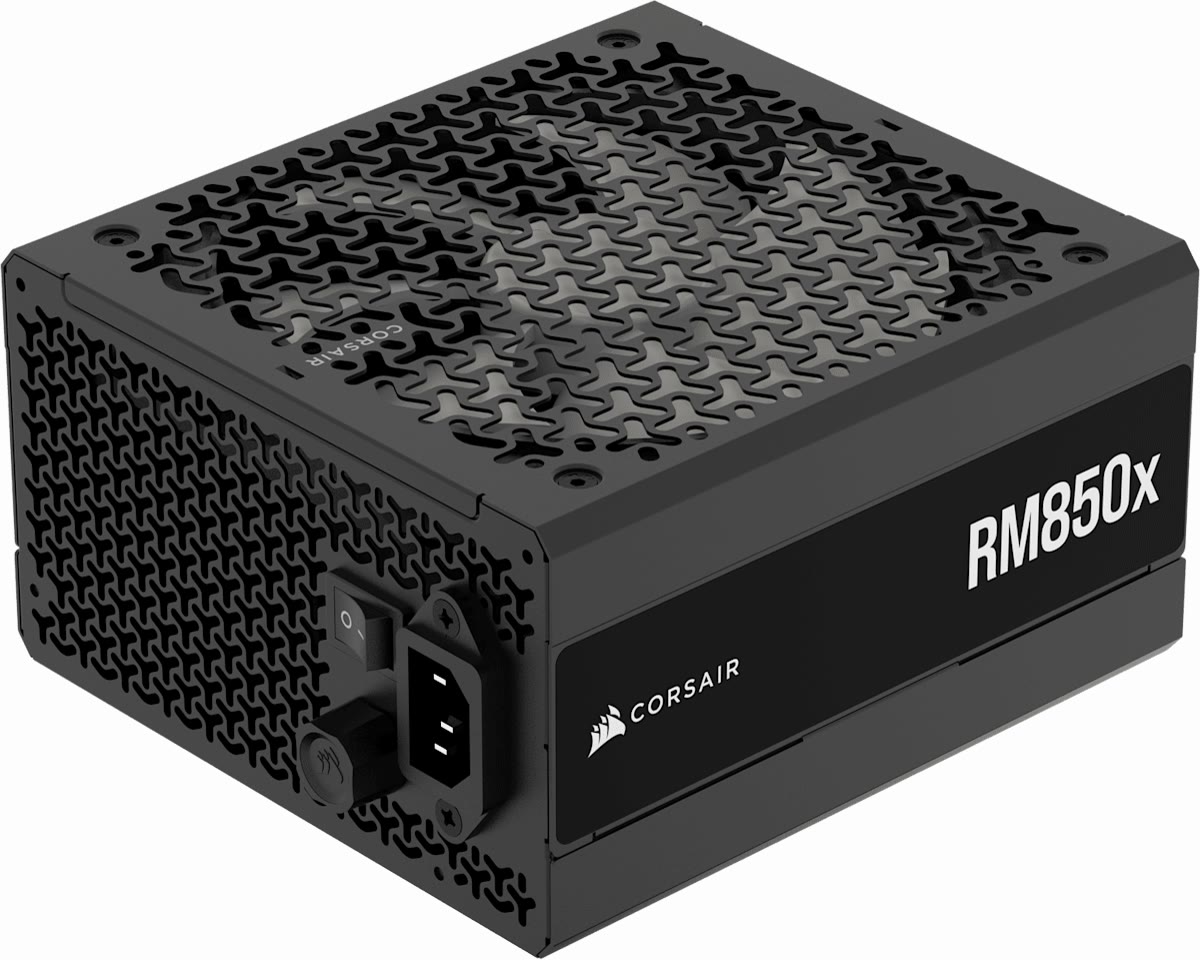
850 watts gives this build plenty of headroom, and it also covers the RTX 5070 Ti upgrade below. The RM850x is fully modular, so you only plug in the cables you use. It is ATX 3.1 compliant with a native 12V-2×6 cable for newer graphics cards.
Install tip: mount it with the fan facing down if the case has a filtered vent underneath. Connect the 24-pin motherboard cable and the 8-pin CPU cable first. For the graphics card, use a separate PCIe cable for each power connector instead of one daisy-chained cable.
Check the Corsair RM850x 850W price on Amazon →
8. Graphics Card: AMD Radeon RX 9070 XT
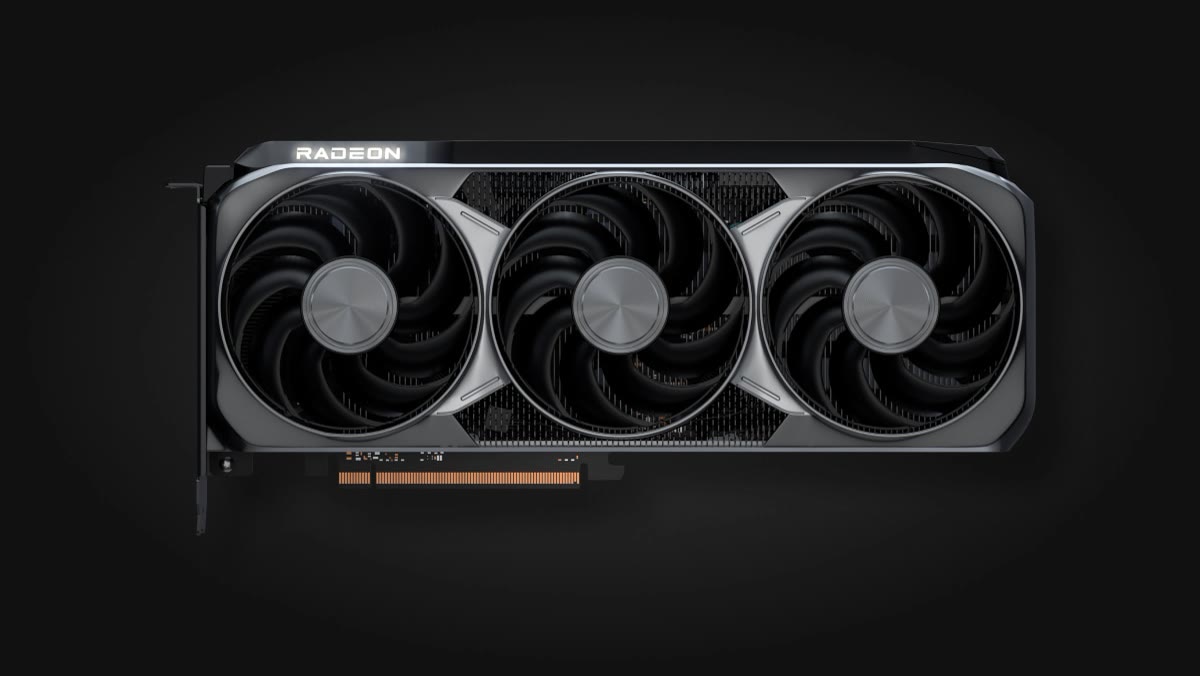
The graphics card matters most for gaming. The RX 9070 XT has 16GB of VRAM and trades blows with the GeForce RTX 5070 Ti in traditional rasterized games. It sells for around $750 while the 5070 Ti sits near $990, so it is the best value at this budget. AMD’s FSR 4 upscaling has closed much of the quality gap with NVIDIA’s DLSS.
Install tip: it goes last. Remove the slot covers on the back of the case, open the latch on the top PCIe x16 slot, press the card in until it clicks, screw it to the case, and connect the power cables.
Check the Radeon RX 9070 XT price on Amazon →
Upgrade Option: GeForce RTX 5070 Ti
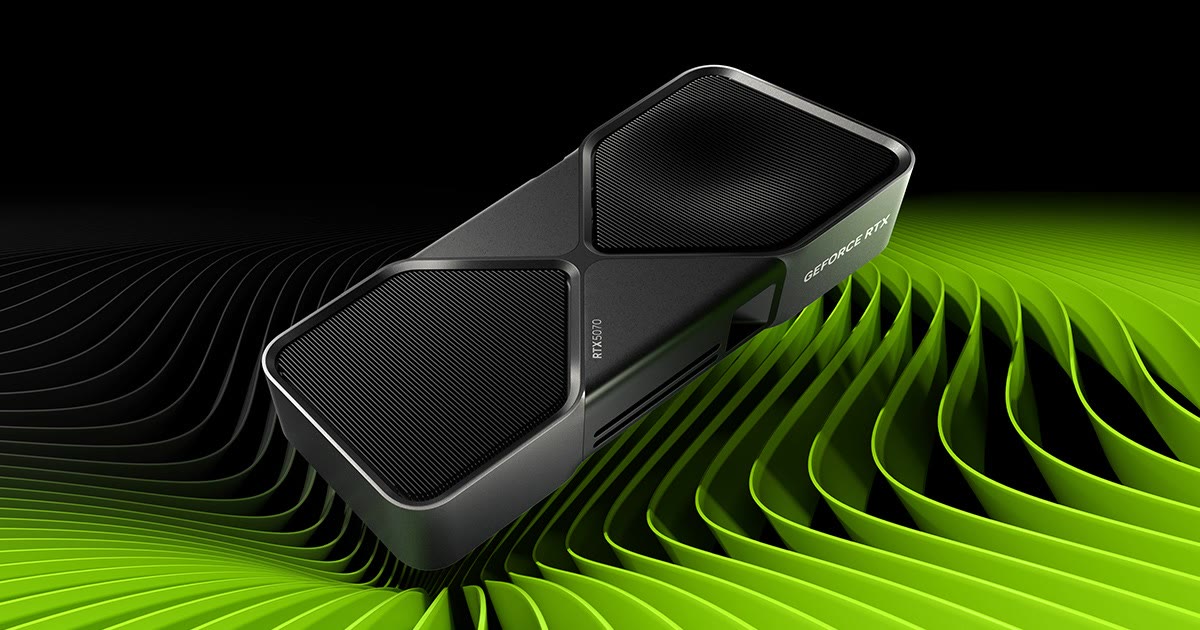
If you play a lot of games with heavy ray tracing, the GeForce RTX 5070 Ti is the upgrade. It is clearly stronger in ray-traced titles and supports DLSS 4 with Multi Frame Generation. It costs about $240 more than the RX 9070 XT today, which pushes the total to around $2,700 to $2,750. The RM850x already handles it.
Check the GeForce RTX 5070 Ti price on Amazon →
First Boot: What to Do After Assembly
- Be patient on the first start. AM5 systems train their memory on the first boot, and the screen can stay black for a minute or more. Do not turn it off.
- Enter the BIOS (press Delete at startup). Check that it detects the CPU, all 32GB of RAM and the SSD.
- Enable EXPO so your memory runs at its rated 6000MT/s instead of a slower default speed.
- Update the BIOS to the latest version from the ASUS support page for stability and security fixes.
- Install Windows from a USB drive made with Microsoft’s Media Creation Tool.
- Install the drivers: the chipset driver from AMD, then the AMD Software: Adrenalin Edition graphics driver.
Bottom Line
For about $2,500 in 2026, a Ryzen 7 9800X3D and an RX 9070 XT give you one of the fastest gaming setups per dollar, with room to upgrade the graphics card later. The biggest surprise in this year’s builds is how much memory and storage now cost, so watch for deals on those two parts before you buy everything at once.