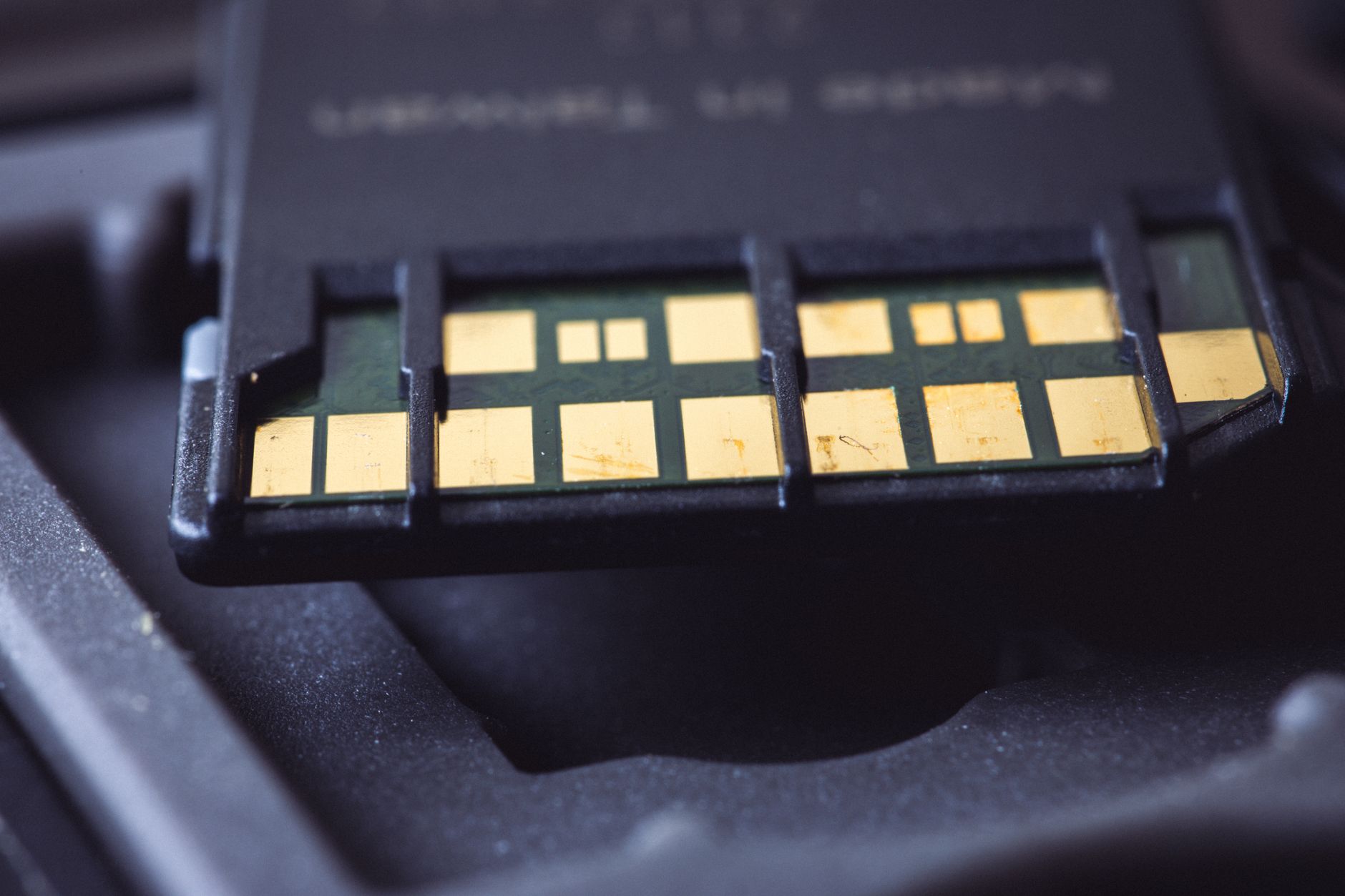
If you’ve ever bought a fingerprint-protected USB drive thinking it would keep your files safe from prying eyes, you may want to check which one you own. Security researcher Xusheng Li found that Lenovo’s ThinkPlus FU100, marketed as an AES-256-encrypted fingerprint drive, was in practice just a plain SD card sitting inside a fancier case. The fingerprint sensor didn’t protect any data at all; it simply decided whether the USB connection was allowed to turn on. Anyone with physical access to the chip inside could read everything on it, unencrypted, no fingerprint or password required.
How the Fake Encryption Was Exposed
Li presented the original findings at a conference talk earlier this year, bluntly summarizing the lesson as ‘“Hardware security” can be pure marketing.’ The drive’s casing and fingerprint reader gave the impression of a locked vault, but the storage medium underneath never encrypted anything. This isn’t a new problem in the industry; drive makers’ own encryption implementations have failed before, which is part of why independent testing matters so much for security claims that can’t be verified by just looking at a product box.
Lenovo’s Messy Fix
Lenovo’s response wasn’t exactly convenient for owners. A first patch simply applied epoxy over the card as a stopgap. The real fix, issued earlier this year, covers the FU100, FU200 and TU800 USB drives as well as the TSD303 SSD, but it requires contacting a China-based service line and either mailing the device in for replacement or arranging an on-site firmware upgrade. Lenovo advises backing up your data first and strongly recommends wiping the drive before sending it in, which is a lot to ask for a product that was supposed to protect your data in the first place. Lenovo rated the advisory as high severity, and one of the three associated CVEs covers the configuration software, which could let a logged-in local user bypass device authentication and register an untrusted fingerprint.

A separate flaw affected the TSD303 SSD specifically. That drive’s data actually was encrypted, but the device sent the correct password back over the USB connection in plain text so the companion software could verify it, making the password trivial to intercept. Lenovo’s first attempted fix, issued three months after the report, derived an encryption key from a timestamp-like value that the software itself could also calculate, meaning the fix offered little real protection if the device was stolen and the software’s logic reverse-engineered. A later fix changed the approach so the drive checks the typed password internally, meaning the correct password never has to leave the device at all.
AI-Assisted Testing Finds More Problems
The most unsettling part of this story is what happened next. The same software development kit behind the TSD303 was also used in nine other devices from several vendors, and most of them could also give up their passwords to a capable attacker. Two left data entirely unencrypted on a microSD card. Li then pointed OpenAI’s Codex programming tool, together with his employer’s reverse-engineering software, at other vendors’ protection tools.
Individual results varied in severity but were consistently bad. Netac’s protection software reportedly took about seven minutes to break, with Codex finding a hardcoded key built directly into the program, plus the user’s password logged in plain text to diagnostic files. KakaSoft’s USB Copy Protection tool built its own internal password, which Codex was able to reconstruct in around 26 minutes without ever needing the user’s actual password. Nexcopy’s Copy Secure fell in about 10 minutes, its key unlocked by a certificate embedded in the viewer app. Separately, SecZure’s YutianDun product was found to contain two hidden ‘backdoor’ accounts with simple, guessable passwords, uncovered using time-travel debugging. Li was careful to note that malicious intent shouldn’t be assumed in that case, but the practical risk to users is the same either way.
What This Means for Buyers
Li didn’t give advance warning to KakaSoft, Nexcopy or SecZure before going public, arguing that a drive already sitting in an attacker’s hands can’t easily be recalled or patched after the fact. His broader point is simple: client-side password or key checks can’t be trusted, because anything running on the device the attacker controls can eventually be taken apart. As of his March talk, Netac reportedly had no patch available at all.
Not every ‘secure’ USB product is doomed, though. Li pointed to an open-source USB stick design, built on a microSD card like the Lenovo drive, that does encryption the right way by deriving its key from the user’s password, so simply reading the raw card gets an attacker nothing useful. That’s the bar that any drive claiming hardware-level security should be held to, whether or not it also has a fingerprint sensor on top.
If you’re shopping for a drive to genuinely protect sensitive files, this is a good moment to be skeptical of marketing claims you can’t verify yourself. Look for products from vendors with a track record of independent security audits, and treat ‘AES-256 encrypted’ labels on a box as a starting point for research, not proof.
The Bottom Line
A fingerprint sensor or an ‘encrypted’ label on a USB drive doesn’t guarantee that your data is actually protected, as this case makes clear. Lenovo’s fix process is inconvenient, but at least it exists; Netac, one of the other vendors, still had no patch as of Li’s March talk. Until the industry gets more consistent about third-party testing, the safest move is to buy encrypted storage from vendors who publish how their encryption actually works, rather than trusting a sensor and a marketing claim.
Source: Tom's Hardware
Where to buy

As an Amazon Associate I earn from qualifying purchases.