Open the spec sheet for almost any new phone or laptop and you’ll see a TOPS number next to the words “Neural Processing Unit.” It’s become as common a marketing line as megapixels or gigahertz, but most buyers still don’t know what an NPU actually does, or why it exists alongside a perfectly good CPU and GPU. Here’s the short version: an NPU is a dedicated chip for running already-trained AI models efficiently, and understanding the split between NPU, CPU, and GPU helps explain why your phone can now do live translation or photo cleanup without draining the battery in ten minutes.
What Is an NPU?
A Neural Processing Unit is a processor built specifically to run neural network inference — using an already-trained AI model to produce an answer — at low precision and with far less energy than a CPU or GPU would need for the same job. It is not a small GPU. It has no graphics pipeline, no shader programming model, and nothing resembling a general-purpose compute language like CUDA. It’s also not built for training; teaching a model from scratch still happens on GPUs and datacenter accelerators. An NPU’s entire job is inference, and only inference.
NPU vs CPU vs GPU: Key Differences
Each of the three processors is good at something different, and none of them is trying to replace the other two.
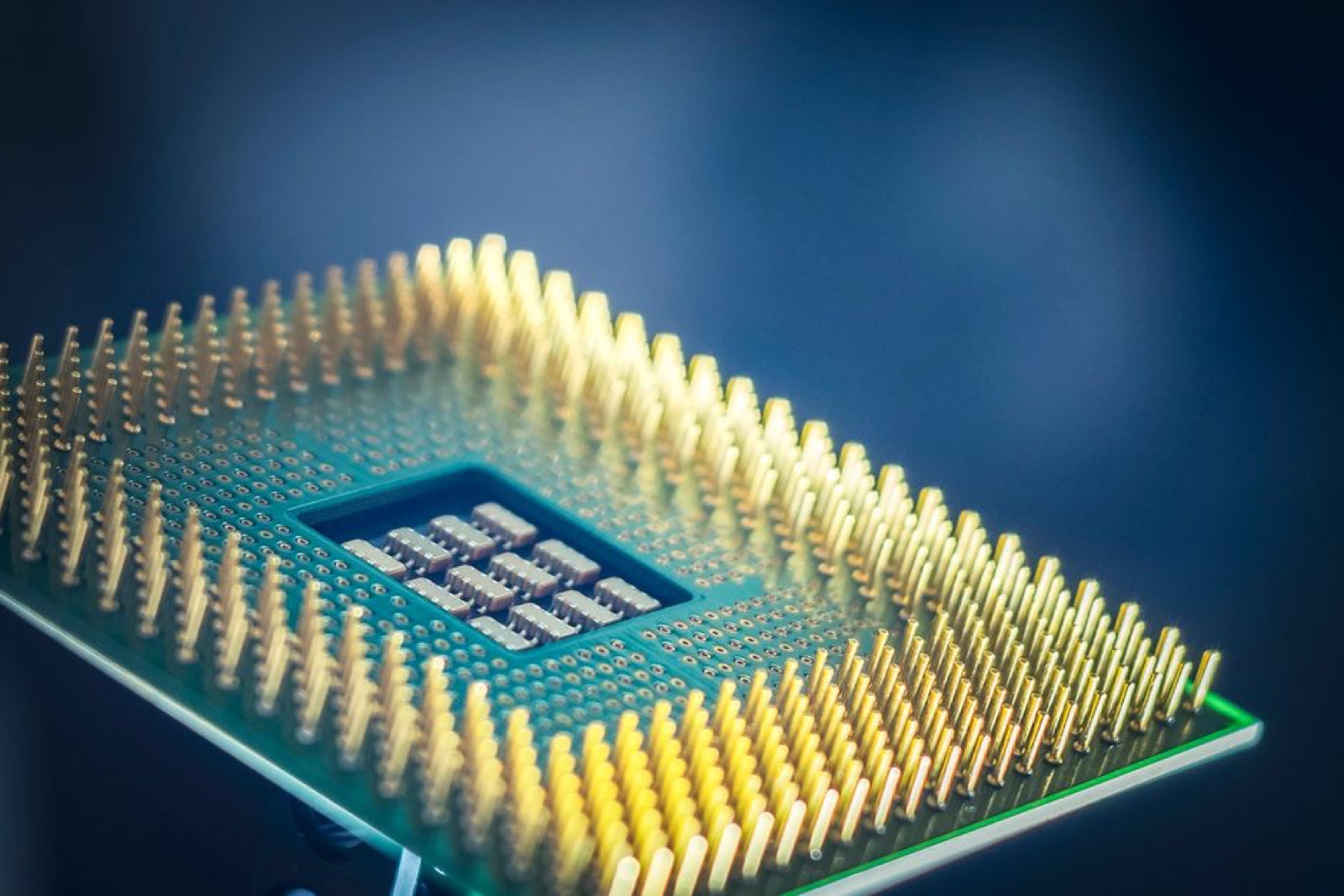
A CPU has a handful of powerful, flexible cores — typically 8 to 24 in consumer chips — built for fast sequential execution of complex, branching logic. It’s what runs your operating system, your browser, and your office apps, but it’s inefficient at the kind of parallel math AI models need.
A GPU has thousands of simpler cores built to perform the same operation across huge datasets simultaneously. That architecture, originally designed for rendering pixels, turns out to be ideal for training AI models and for heavy, high-throughput inference with dedicated VRAM. The tradeoff is power: a discrete GPU can draw anywhere from 100 to 450 watts under load.
An NPU strips out everything a chip doesn’t need for neural network math and keeps only dedicated multiply-accumulate hardware for the matrix and tensor operations inference relies on. Because it works at low precision — often 4-bit or 8-bit instead of the 32-bit or 64-bit math CPUs and GPUs use — it can do the same AI task using roughly 1 to 5 watts instead of 100-plus.
| Aspect | CPU | GPU | NPU |
|---|---|---|---|
| Primary role | General-purpose computing | Graphics and parallel workloads | AI inference only |
| Architecture | Few powerful sequential cores | Thousands of parallel cores | Dedicated matrix/tensor hardware |
| Typical power draw for AI tasks | High | Very high (100–450W) | Ultra-low (1–5W) |
| Best for | OS, apps, browsing | Training, heavy compute | On-device inference, edge AI |
| Precision used | Full (32–64 bit) | Full (32–64 bit) | Low (4–8 bit) |
| 2026 performance range | Not confirmed (not measured in TOPS) | Not confirmed (not measured in TOPS) | Roughly 40–80 TOPS depending on vendor |
How NPUs Actually Work
The reason an NPU can do so much with so little power comes down to two design choices. First, it has multiply-accumulate math — the core operation behind every neural network — baked directly into silicon rather than run as software instructions on general-purpose cores. Second, it keeps fast local memory right next to its compute units, so model weights and activation data don’t have to travel back and forth to system RAM, which is one of the biggest bottlenecks in AI performance.
By 2026, that combination has made NPU throughput, rather than CPU clock speed, the number most closely tied to how well a device handles on-device AI. Leading parts now clear roughly 40 TOPS, with reported figures around 80 TOPS from Qualcomm, up to 60 from AMD, and up to 50 from Intel. Chips like AMD’s Ryzen AI 9 HX 370 and Intel’s Core Ultra 200V are examples of the kind of silicon built around this approach, and they’re part of why the “Copilot+ PC” category exists — Microsoft set an NPU performance bar for that badge rather than a CPU or GPU one, which tells you how central NPUs have become to this generation of laptops.
Who Needs an NPU — and Who Doesn’t
If you’re training or fine-tuning AI models yourself, none of this changes your shopping list: you need a GPU, whether that’s a consumer card or a cloud instance, and an NPU won’t help you there. For everyone else, the question is really about inference and power. Small, always-on AI tasks — wake-word detection, voice commands, live captioning, background blur on a video call, photo cleanup — run beautifully on an NPU because they’re light workloads on a battery-powered device. Running data through the NPU instead of the cloud also means faster responses and better privacy, since nothing has to leave the device. Large, demanding models on a plugged-in machine still make more sense on a GPU.
In practice, that means laptops like the Samsung Galaxy Book4 Ultra and phones built around modern chipsets are leaning on their NPUs for everyday AI features, while anyone doing serious model training or heavy generative work still reaches for a discrete GPU. If you rarely touch on-device AI features and mainly care about raw gaming or rendering performance, a high NPU TOPS number on a spec sheet isn’t something you need to chase.
The Bottom Line
An NPU isn’t competing with your CPU or GPU — it’s taking a specific, narrow job off their plate: running trained AI models efficiently enough that your battery barely notices. CPUs still run your software, GPUs still handle training and heavy parallel compute, and NPUs quietly handle the AI features that need to work instantly and constantly without draining power. Understanding that split is really all you need to make sense of the TOPS number on your next phone or laptop’s spec sheet.
Sources: guptadeepak.com, solidaitech.com, asus.com, rapidus.inc, localaimaster.com, contabo.com
Where to buy
- ASUS Zenbook S 16 (Ryzen AI 9 HX 370): check price on Amazon
- Samsung Galaxy Book4 Ultra: check price on Amazon
As an Amazon Associate I earn from qualifying purchases.