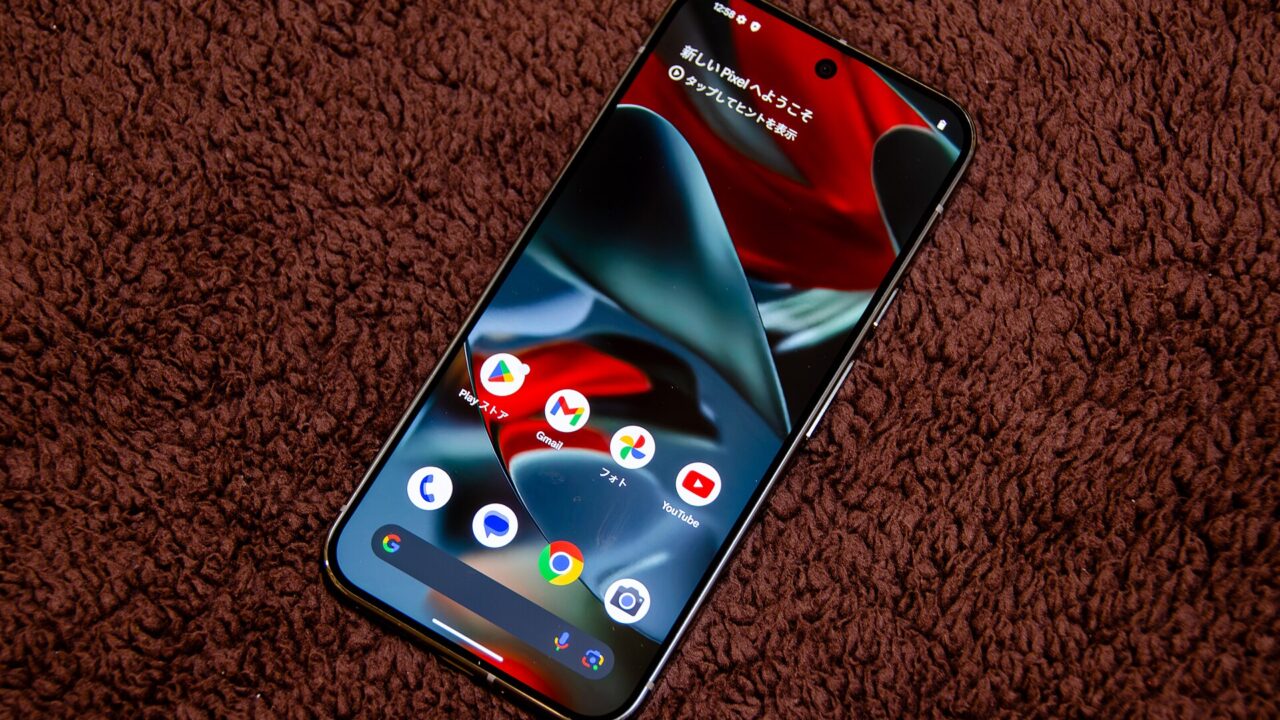
If your Pixel’s notification shade suddenly stopped responding to taps, you’re not alone. Since Android 17 QPR1 began rolling out this month, a growing number of Pixel owners have reported that their status bar, notification shade, and Quick Settings panel are behaving erratically. Google says it’s aware of the reports, but there’s no confirmed fix yet.
What’s actually going wrong
The reports, which have surfaced on Pixel-focused subreddits, describe a cluster of related problems rather than one single bug. Some users say new notifications simply don’t appear in the status bar. Others can see notifications in the shade but tapping them does nothing at all. A few people report that Quick Settings tiles stop responding to touch, even though the rest of the phone works fine. One commenter noted they could still interact with quick actions from the lock screen even when the same notifications were unresponsive elsewhere, which suggests the issue may sit somewhere in how the system renders or routes touch input rather than a single clean crash.
Who’s affected
At least three separate Reddit posts describe similar symptoms, each with a string of comments from other users confirming they’re seeing the same thing. That doesn’t tell us exactly how widespread the problem is, but it’s enough overlap to suggest this isn’t an isolated hardware fluke on one device. The timing lines up with the arrival of Android 17 QPR1, which points to the update itself as the likely trigger, though Google hasn’t confirmed a root cause publicly.
Google’s response so far
The official PixelCommunity account on Reddit has replied to each of the threads, suggesting standard troubleshooting: resetting app preferences and booting the phone into safe mode to check whether a third-party app is interfering. According to the reports, that hasn’t resolved things for most affected users. One person says they even tried a full factory reset on their Pixel 8 without success. The most reliable workaround people have found is simply restarting the phone, which several commenters say temporarily restores normal notification and Quick Settings behavior, until the problem returns later.
What this means if you own a Pixel
If you haven’t installed Android 17 QPR1 yet, it may be worth waiting a bit before updating, especially if your notifications are important for work or daily use. If you’ve already updated and you’re seeing these symptoms, a restart is currently your best short-term fix. There’s no indication yet of a broader rollback or an emergency patch, so keep an eye on official Pixel support channels for updates. As always with reports like these, it’s worth remembering that not every Pixel owner on this update is affected, but the pattern across multiple independent posts makes this look like a real, update-related bug rather than a one-off device issue.
The bottom line
Notifications and Quick Settings are core to how a phone feels day to day, so bugs like this are more than a minor annoyance. Google has acknowledged the reports, but until a proper fix ships, affected Pixel owners are stuck relying on restarts to keep things working. If you’re on Android 17 QPR1 and notice unresponsive notifications, try a restart first, and hold off on more drastic steps like a factory reset since some users say even that hasn’t helped.
Source: Android Authority