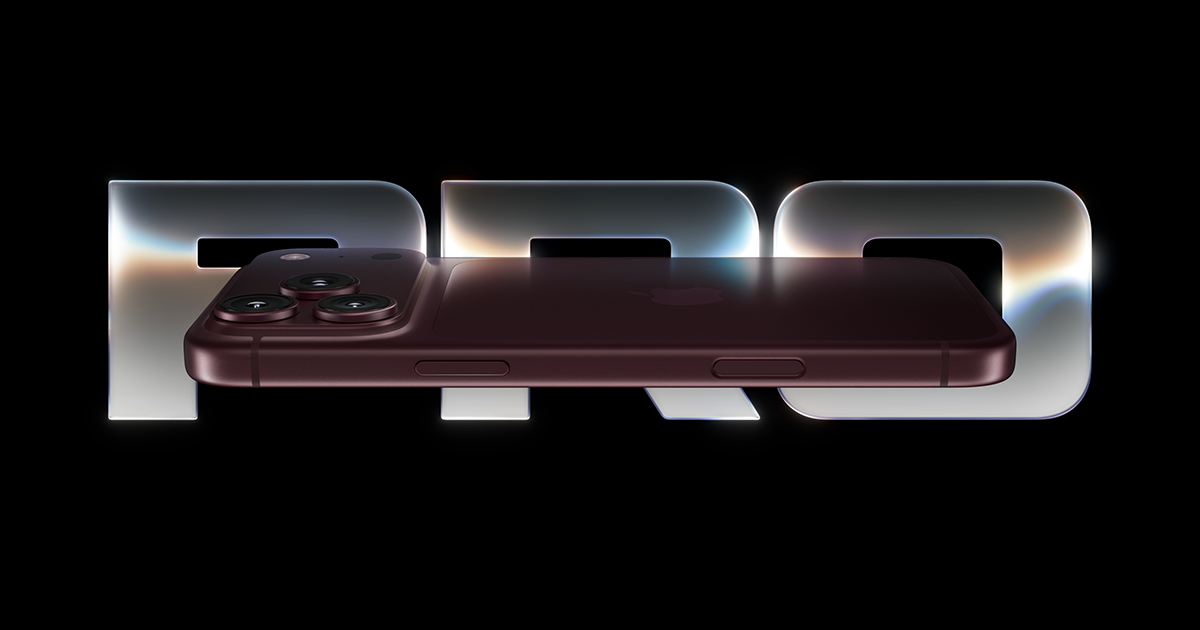
Apple has released iOS 27.0.1, a small but important update that targets several annoying bugs discovered shortly after the iPhone 18 Pro launched. The headline fix addresses reports that the iPhone 18 Pro and 18 Pro Max would restart unexpectedly whenever Face ID failed to authenticate, a problem serious enough that Apple confirmed it publicly and some owners had already gone through phone replacements without success.
What the Face ID bug actually did
Multiple iPhone 18 Pro owners reported that their devices would suddenly reboot on their own after a failed Face ID scan. Because the issue was tied to the authentication process rather than a specific unit, replacing the hardware didn’t solve it for everyone who tried. Apple acknowledged the behavior and said a software fix was on the way, and iOS 27.0.1 is that fix. If you own an iPhone 18 Pro or 18 Pro Max and have noticed random restarts, this update is worth installing right away. If Face ID still misbehaves after updating, our guide on how to fix Face ID not working on iPhone walks through Apple’s official fixes step by step.
Camera and Control Center fixes for other models
iOS 27.0.1 isn’t only about Face ID. The update also resolves a color artifact that showed up in photos taken with the iPhone 18 Pro’s camera at 2x zoom, which should mean more accurate colors for anyone who shoots frequently at that zoom level. Separately, the update fixes a glitch where opening the Notification Center and Control Center at the same time could make the phone temporarily unresponsive. That freeze didn’t cause permanent damage and a forced restart would clear it, but it was a jarring experience for anyone who didn’t realize a reboot would fix things.
How to install iOS 27.0.1
Updating is straightforward: open the Settings app, tap General, then Software Update, and look for iOS 27.0.1. Tap Download and Install, and give your iPhone time to finish the process, since it will restart during installation. How long it takes depends largely on your internet connection.

What if you see iOS 26.7 instead
Owners of the iPhone 17 and earlier models running iOS 26 may see iOS 26.7 listed instead of iOS 27.0.1. That version only includes security patches and is meant for people who aren’t ready to move to iOS 27 yet. If you’d rather jump straight to iOS 27 and get its newer features, including Siri’s AI capabilities and the Liquid Glass interface changes, you can tap the iOS 27.0.1 banner on the Software Update screen to skip iOS 26.7 entirely.
The bottom line
iOS 27.0.1 is a targeted bug-fix release rather than a feature update, but it addresses a genuinely disruptive problem for iPhone 18 Pro buyers. If you own one of those models, updating now should stop the random Face ID-triggered restarts. Everyone else gets a couple of smaller quality-of-life fixes, and older iPhone owners have the choice between a security-only patch or jumping to the full iOS 27 experience.
Source: Engadget
Where to buy
As an Amazon Associate I earn from qualifying purchases.