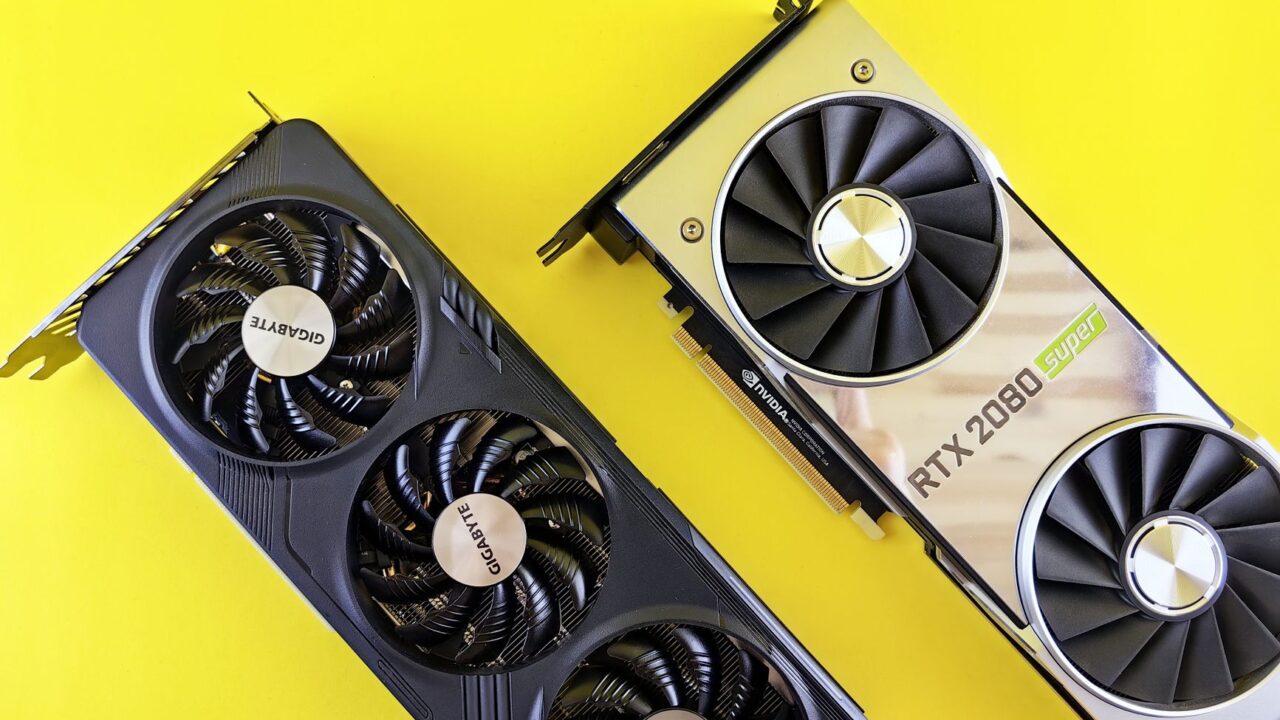
Overclockers who want to squeeze more out of an Nvidia graphics card have long faced an uncomfortable choice: stick with the soft limits in tools like MSI Afterburner, or flash a modified VBIOS and risk turning the card into an expensive paperweight. A new open-source project from a developer going by Panchovix on GitHub removes that trade-off for a wide range of GeForce cards, letting you apply VBIOS-level changes through a simple interface without ever touching the flash chip.
What the tool actually does
The configurator works with Nvidia’s RTX 30-series, 40-series and RTX 5090 and other 50-series cards, and it’s available for both Windows and Linux. Instead of overwriting the firmware stored on the card itself, it saves a modified VBIOS image to a registry key that the Nvidia driver reads. When the Nvidia driver starts up, it checks for that override, finds the custom image and applies it on top of the existing firmware. The physical flash chip never gets touched.
That distinction matters because VBIOS settings govern things software like MSI Afterburner or ASUS GPU Tweak can’t reach: the hard ceilings built into the firmware for voltage, power limits and other parameters. Traditionally, changing those meant flashing a new VBIOS image directly onto the card, a process that can permanently disable the GPU if it’s interrupted or done incorrectly.
Why skipping the flash matters
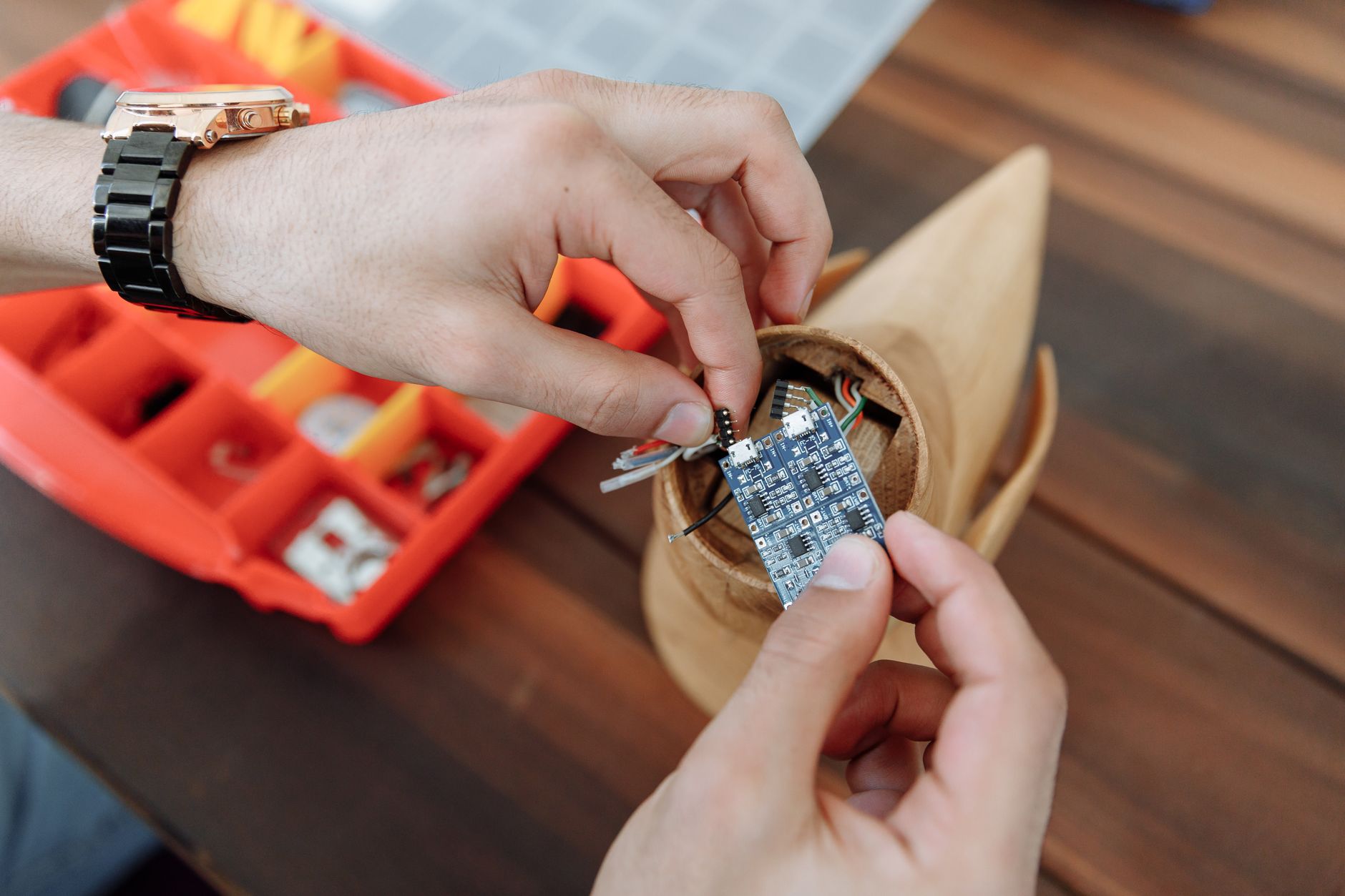
By keeping the original VBIOS intact on the chip, this approach removes the single biggest risk associated with firmware modding. If the override causes instability, you can roll back to the default settings instead of being stuck with a card that won’t boot. Even in a worst-case scenario, a corrupted flash chip isn’t necessarily fatal — as long as you have a backup of the original VBIOS, owners can reprogram it with an SPI flash chip programmer, or even a cheap Raspberry Pi Pico, sometimes without desoldering anything. But that process is tedious, which is exactly why a reversible, software-based method is appealing.
It’s still not risk-free
Avoiding a bad flash doesn’t mean avoiding a bad outcome. The tool bypasses firmware-enforced limits, but it has no way to protect the electrical components on your card from settings that push voltage or power draw too far. Pushing a GPU beyond its designed limits can still damage it physically, even if the firmware itself is never corrupted. This is squarely enthusiast territory: you need a working understanding of power delivery and voltage tables, plus the patience to test changes carefully, before experimenting here.
For most people, the safer way to benefit from this project is more modest. If you’ve already dialed in custom fan curves or settings in something like MSI Afterburner, you can use the configurator to make those your GPU’s new defaults at every startup, rather than relying on third-party software to reapply them each boot. That’s a meaningful convenience win with far less risk than chasing extra performance headroom.
Who should care
This is a niche tool aimed at PC enthusiasts who already overclock or undervolt their GPUs and understand the trade-offs involved. Casual gamers and everyday buyers don’t need to touch it. But for the overclocking crowd, it’s a notable step: a safer, UI-driven path to firmware-level tuning that previously required flashing tools and a tolerance for bricked hardware.
One caveat worth flagging: this workaround depends on a registry key that Nvidia currently leaves open for VBIOS overrides. There’s no guarantee the company will leave that door unlocked indefinitely, so the tool’s long-term usefulness isn’t fully in enthusiasts’ hands.
The bottom line
This project doesn’t make GPU overclocking safe, but it does make it safer by removing the flashing step that’s historically caused the most catastrophic failures. If you’re an experienced tuner comfortable with voltage tables and the possibility of damaging hardware, it’s a convenient new option. Everyone else should stick with established tools like MSI Afterburner and treat this as an interesting development to watch rather than something to try this weekend.
Source: Tom's Hardware
Where to buy
- Nvidia GeForce RTX 5070 graphics card: check price on Amazon
- Raspberry Pi Pico: check price on Amazon
- SPI Flash Chip Programmer: check price on Amazon
As an Amazon Associate I earn from qualifying purchases.