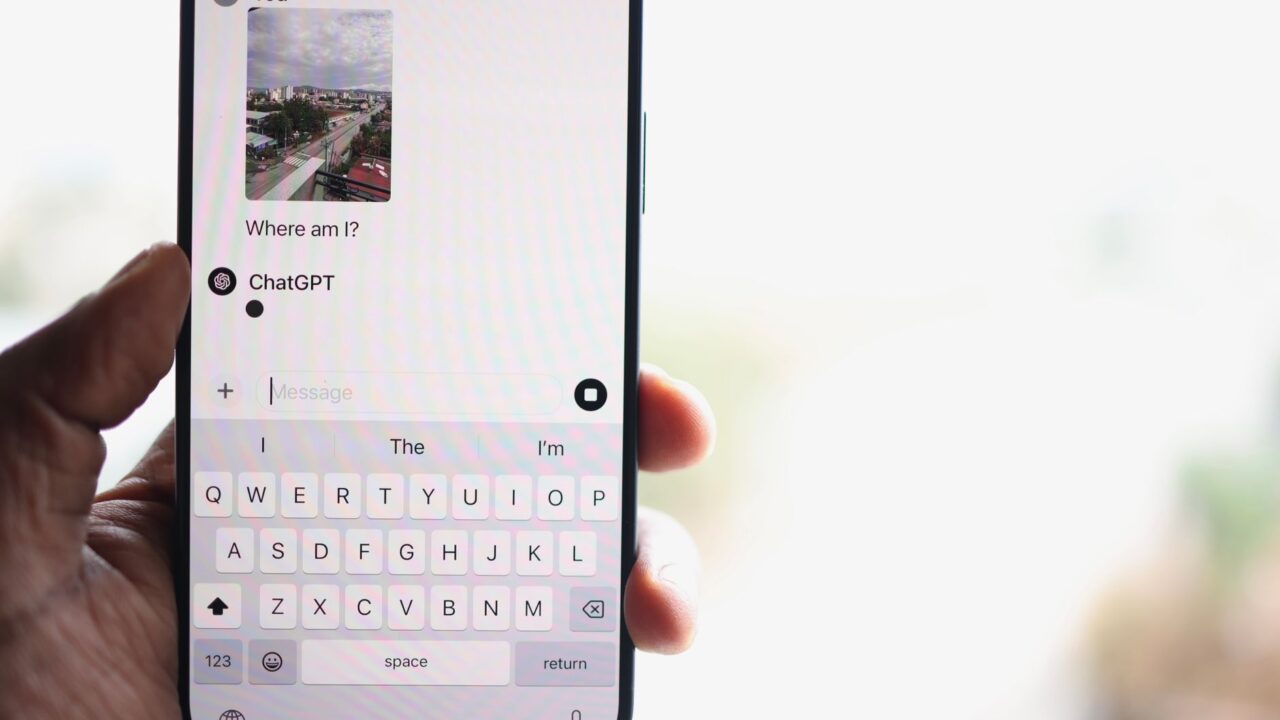
OpenAI has added two new plugins to ChatGPT that let the assistant work directly with iCloud Mail and iCloud Calendar. The move brings Apple’s services up to parity with the Gmail and Google Calendar integrations ChatGPT has supported for a while, meaning iPhone and Mac users who live in Apple’s ecosystem finally get the same conversational access to their inbox and schedule.
What the ChatGPT iCloud Mail and Calendar plugins do
Once enabled, the plugins let you ask ChatGPT to find a specific email, summarize what’s piled up in your inbox, check what’s on your calendar next, or update an existing event. OpenAI says the feature works across ChatGPT on desktop, the web, and iOS, and it’s available to everyone, not just paying subscribers. If you’re on OpenAI’s Pro plan, the company’s agent, Dot, can also tap into either plugin to act on your behalf.

Setting it up requires logging in with your Apple account and generating an app-specific password, a standard step Apple uses to let third-party apps access iCloud data without handing over your main account password.
How this differs from Apple’s own Mail and Calendar apps
It’s worth being clear about what these plugins are not. They don’t change how Apple’s native Mail and Calendar apps work on macOS, which can already pull in inboxes and calendars from services like Outlook or Gmail alongside iCloud. The new ChatGPT plugins only reach into the messages and events tied to your iCloud account specifically, so if you don’t use iCloud Mail or iCloud Calendar, there’s nothing here for you. If your email lives in Gmail, you’ll want to stick with the existing ChatGPT Gmail integration instead.
An odd pairing given Apple and OpenAI’s history
What makes this release notable is the context around it. ChatGPT was the first outside AI assistant Apple plugged into Siri, but the relationship has looked strained since Apple chose to rebuild Siri with Google’s help rather than OpenAI’s. A lawsuit Apple filed in July, accusing OpenAI employees of stealing trade secrets, added more friction. Yet the two companies keep finding reasons to keep working together: Apple’s recent Creator Studio updates for Pages, Numbers, and Keynote include a new chatbot experience that’s partly powered by OpenAI models. Neither company appears ready to cut ties completely, even as they compete and occasionally clash elsewhere.
Who should try this
If you already use ChatGPT regularly and keep your email and schedule in iCloud, this is a straightforward quality-of-life upgrade. Being able to ask “what’s on my calendar tomorrow” or “find that email from my accountant” without switching apps saves a few steps. Anyone who’s never touched iCloud Mail or Calendar, on the other hand, won’t notice any difference.
As with any tool that grants an AI assistant read-and-write access to your inbox and calendar, it’s reasonable to think about what you’re comfortable letting it see and change before turning the plugins on.
The bottom line
The iCloud Mail and Calendar plugins close a gap that’s existed since ChatGPT first added Gmail support, giving Apple users the same hands-free way to manage email and scheduling. It’s a small, practical addition rather than a major leap, but it’s a useful one if you’re already an iCloud and ChatGPT user, and it’s another sign that OpenAI and Apple keep cooperating in places even as their broader relationship stays complicated.
Source: Engadget