If you’d rather not let contacts know the second you’ve opened their message, this guide is for you. Below we’ll show you how to turn off read receipts on WhatsApp on both iPhone and Android, so you can read messages on your own schedule without sending that blue double-checkmark confirmation. It only takes a few taps.
Before you start
- All you need is WhatsApp on your iPhone or Android phone. The setting lives inside the app, not in your phone’s system settings.
- This is a privacy toggle, so there’s nothing to back up first.
- It covers your one-on-one chats. Group chats and voice messages work differently, as explained below.
How to turn off read receipts on Android
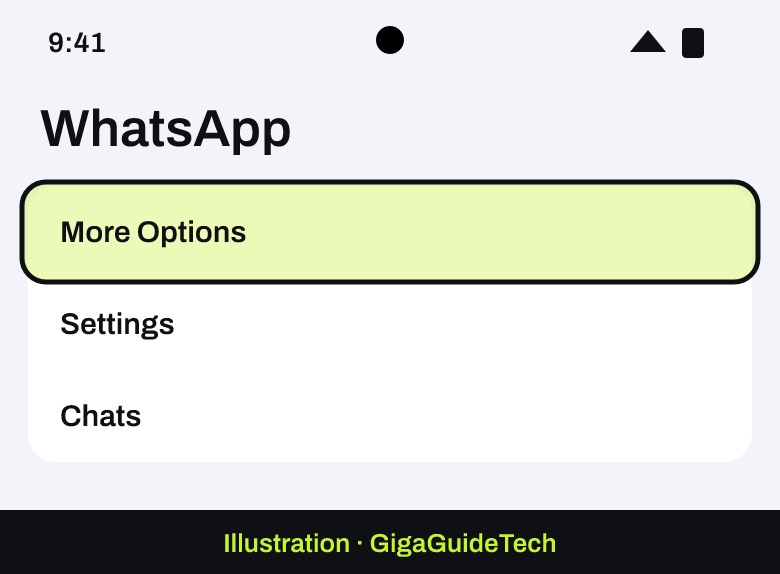
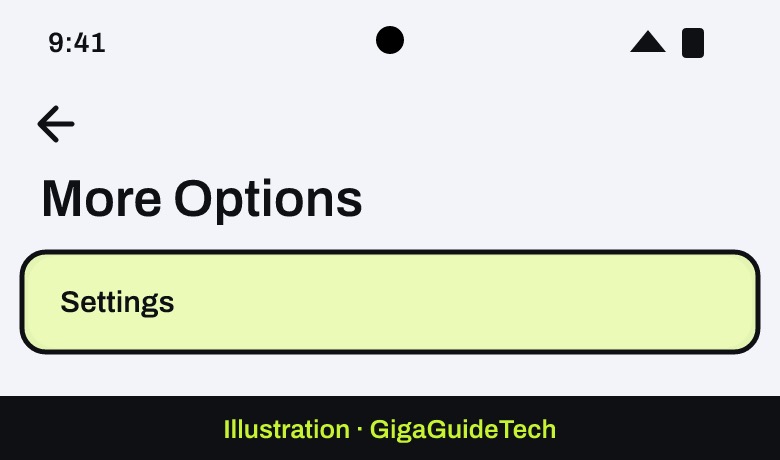
- Open WhatsApp and tap More Options (the three vertical dots in the top right), then tap Settings.

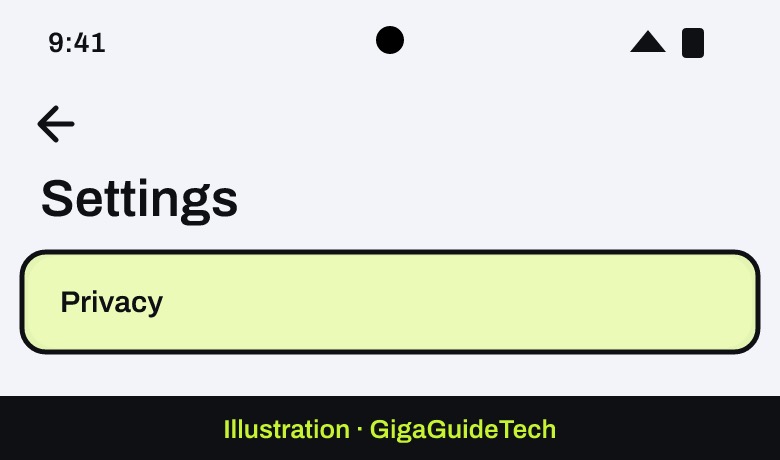
Illustration: WhatsApp Illustration: WhatsApp > More Options - Tap Privacy.
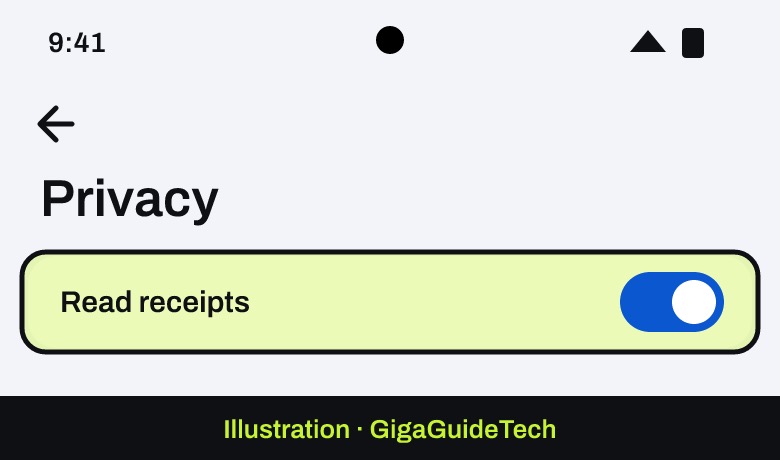
Illustration: WhatsApp > Settings - Find Read receipts and turn the toggle off.
Illustration: WhatsApp > Settings > Privacy
How to turn off read receipts on iPhone
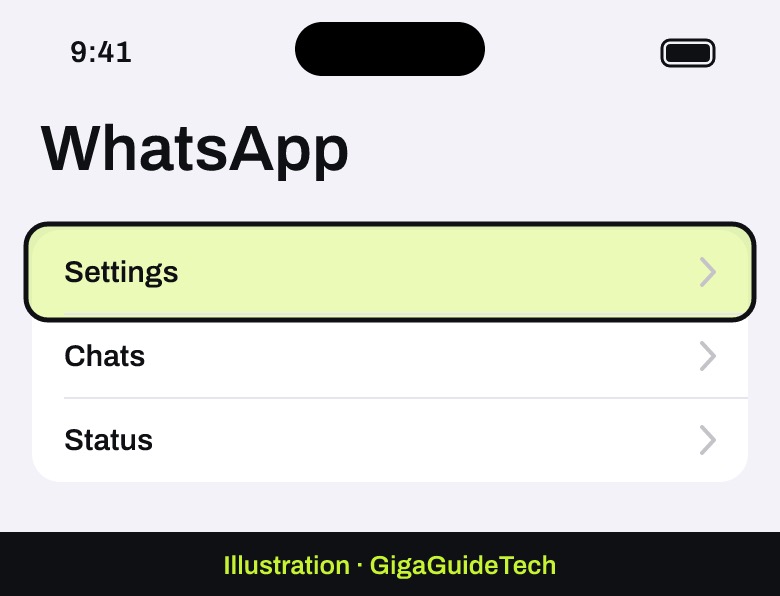
- Open WhatsApp and tap Settings.
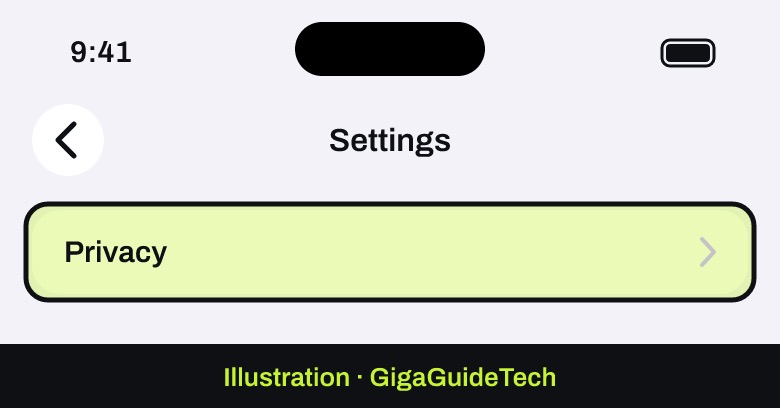
Illustration: WhatsApp - Tap Privacy.
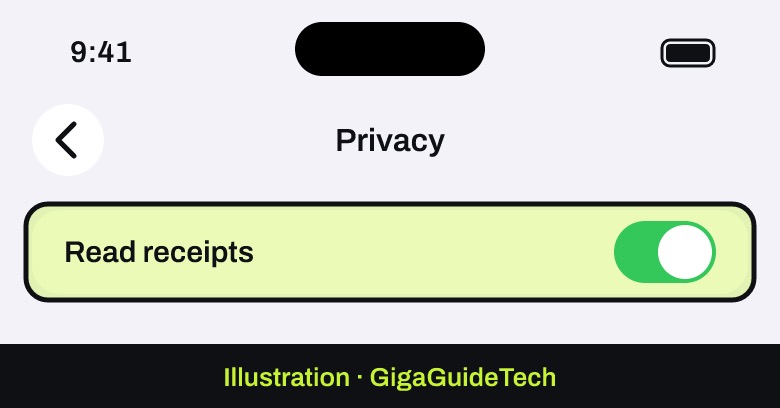
Illustration: WhatsApp > Settings - Turn off Read receipts.
Illustration: WhatsApp > Settings > Privacy
What this setting actually changes
Once the toggle is off, you stop sending read receipts to your one-on-one contacts, and in exchange, you also stop seeing their read receipts for messages you send them. It’s a two-way trade, not a way to spy without being spied on.
There are a few important carve-outs worth knowing before you flip the switch. Read receipts are always sent in group chats, even with this setting turned off, and there’s currently no way to disable that for groups. The same goes for play receipts on voice messages, which stay on regardless of your privacy settings. Turning off read receipts can also affect status visibility: you may lose the ability to see who has viewed your status, and others may no longer be able to see when you’ve viewed theirs. If you also manage other privacy-related toggles on your phone, it’s worth reviewing your broader Android privacy settings at the same time, since read receipts are just one of several defaults worth checking.
If check marks still don’t behave as expected
WhatsApp lists a few reasons you might not see two blue check marks on a message you sent:
- You or the other person turned off read receipts.
- The other person blocked you or hasn’t opened the conversation yet.
- One of you is having connection issues.
- The date and time are wrong on one of the phones.
Remember that group chats and voice messages ignore this setting. And if you’re in a privacy-tidying mood, it’s a good moment to check your app permissions on iPhone and Android.
FAQ
Will turning off read receipts hide read status in group chats too?
No. Read receipts are always sent for group chats, even if you turn the setting off in your individual privacy settings. There’s currently no official way to disable that for groups.
Does turning off read receipts stop voice message play receipts?
No. Play receipts for voice messages work the same way as group read receipts: this toggle doesn’t affect them, and there’s no separate setting to turn them off.
Will this affect who can see my WhatsApp status?
It might. If you turn off read receipts, you may no longer be able to see who views your status, and others may not be able to see when you view theirs either.
Source: faq.whatsapp.com