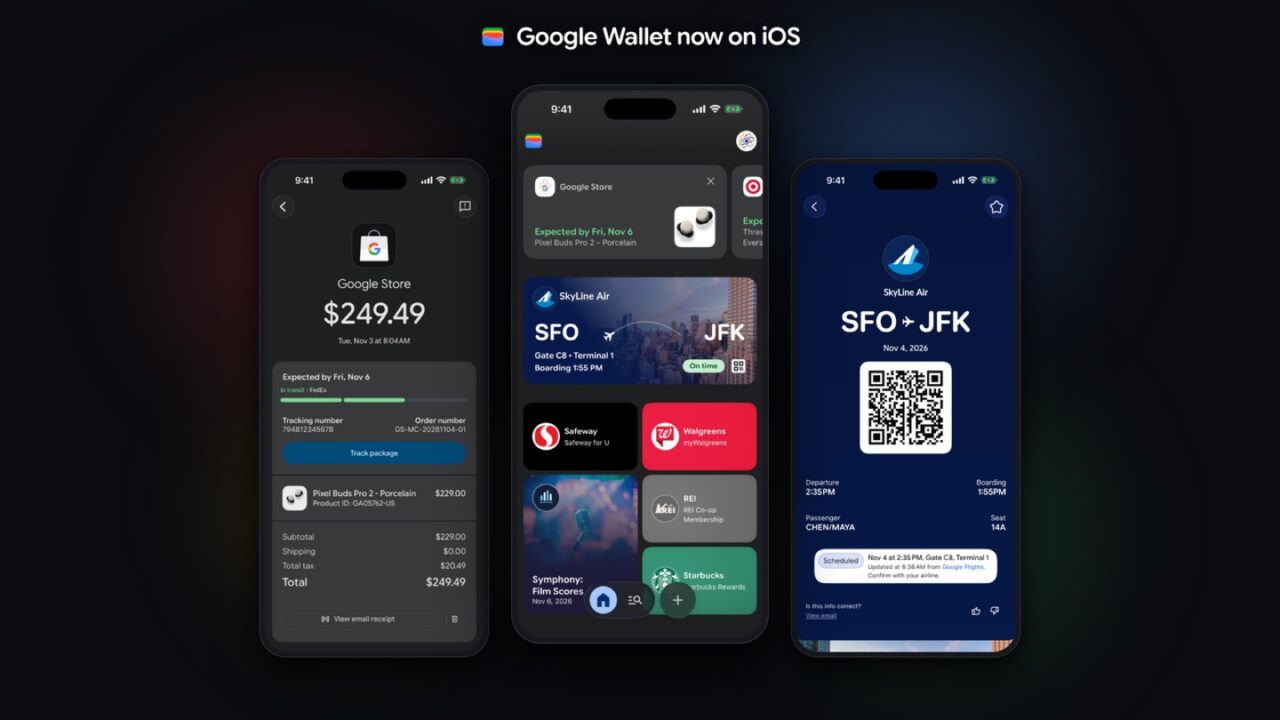
Google Wallet is now available on the iPhone. Google announced on November 17 that its wallet app is rolling out to iOS users across the US, so iPhone owners can keep boarding passes, tickets, loyalty cards and online receipts from their Google account in one place. There’s one big catch, though: you can’t use it to pay at a store register. Here’s what the app does on an iPhone, what it doesn’t do, and who should bother installing it.
What Google Wallet can do on an iPhone
According to Google’s announcement, the iOS app focuses on organizing things rather than paying in person:
- It fills itself from Gmail. Google Wallet syncs with Gmail and other Google apps, so package tracking, digital boarding passes, concert tickets and receipts can show up without you adding them by hand.
- It scans physical cards. You can use the iPhone’s camera to import loyalty cards and gym memberships.
- It stores payment cards for online checkout. Saved cards let you check out faster online across Google and anywhere that accepts Google Pay.
- It tracks purchases made by Google’s AI. Google says Wallet will be the hub for “agentic” purchases, meaning orders placed for you by its AI tools. Their order confirmations, receipts and delivery updates land in the app.
What it can’t do: no tap-to-pay
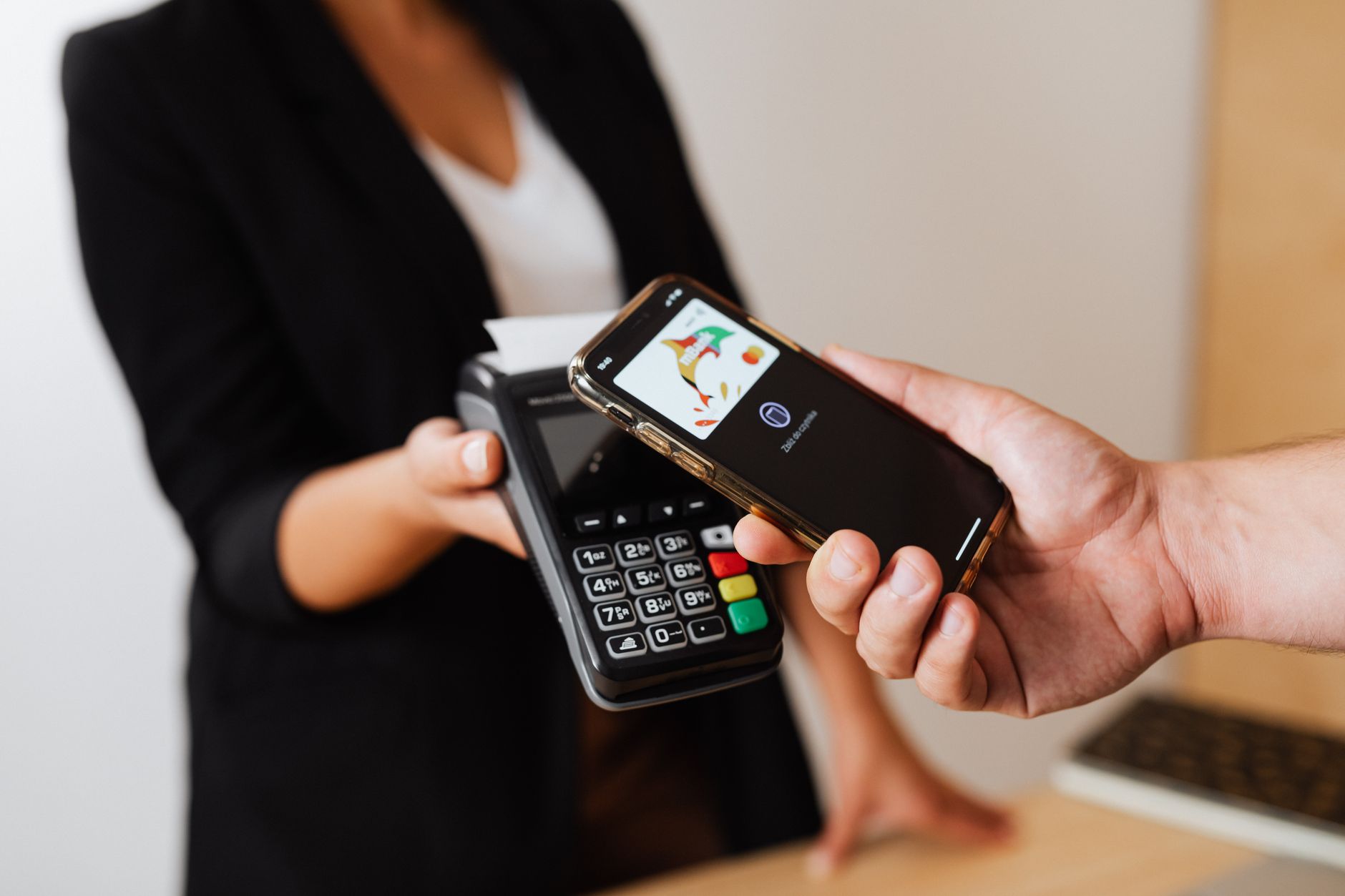
Google says plainly that “tap-to-pay functionality isn’t supported on iOS at this time.” That means you can’t hold your iPhone up to a card terminal and pay with Google Wallet the way Android users can. Google didn’t say whether that will change, Android Authority and Engadget both note.
The launch is also US-only for now. Android Authority reports that Google didn’t say if or when the app will come to iPhone users in other countries.
What this means for you
- Keep Apple Pay (or your card) for stores. Android Authority pointed out that today’s Apple outage left some Apple Pay users looking for a backup. Google Wallet can’t fill that gap at a register yet, so a physical card is still your real backup.
- It’s worth a try if your life runs on Gmail. If your flight confirmations, event tickets and order emails go to a Gmail address, Google Wallet can collect them for you automatically. That’s the main thing it does better than typing passes into Apple Wallet yourself.
- It helps if you switch phones or share with Android users. Your passes and loyalty cards live in your Google account, so they follow you whether you’re on an iPhone, an Android phone or your computer.
- You don’t need to replace Apple Wallet. As Engadget notes, Apple’s own Wallet already handles payments, tickets, travel passes and IDs. Think of Google Wallet as an extra organizer, not a swap.
To get it, search for Google Wallet in the App Store and sign in with your Google account. Google is pushing its AI to handle more of your money, too: read how ChatGPT and Gemini want access to your bank accounts and how Google Maps can now book appointments for you.
Sources: Google, Engadget, Android Authority