This week’s Pick of the Week is the new Apple TV 4K (4th generation), which reached stores on November 13 and has been one of the most talked-about gadgets of the week. We haven’t tested it ourselves: this pick is based on specs and independent reviews from Engadget, TechRadar and Tom’s Guide, plus Apple’s announcement.
What the new Apple TV 4K is
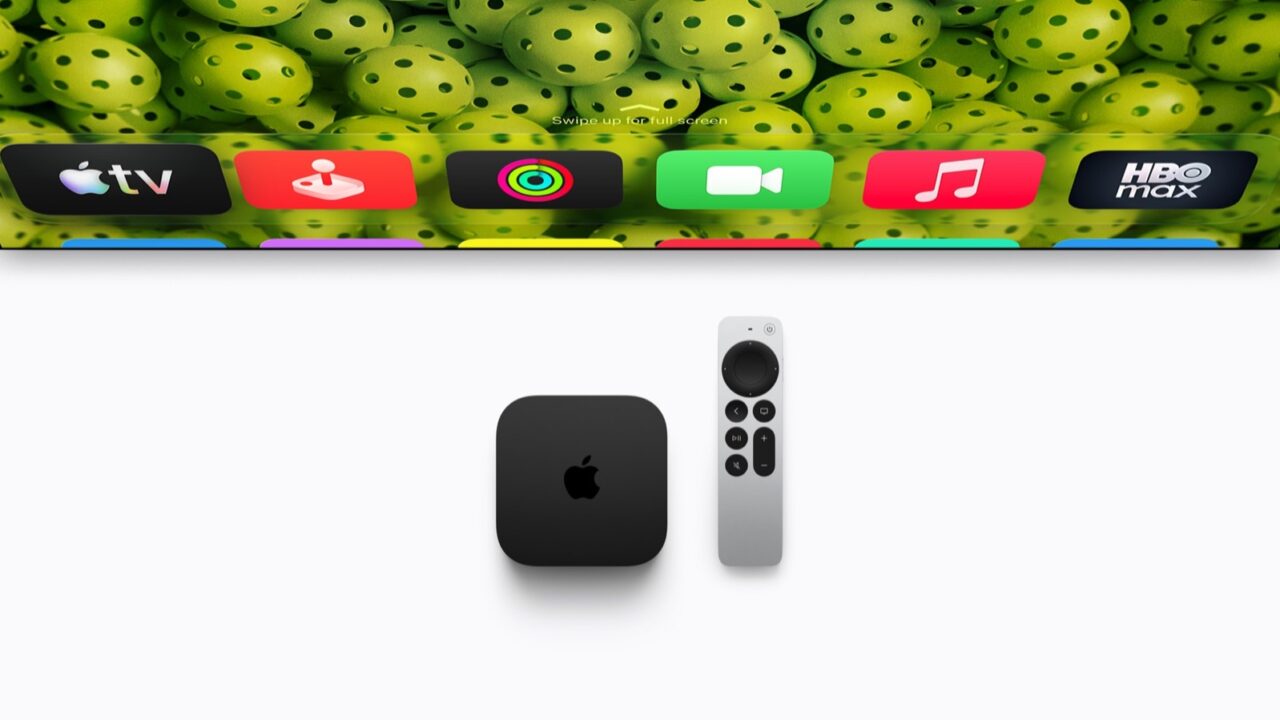
On the outside, it looks almost identical to the 2022 model: a small black box with HDMI, Ethernet and power ports on the back, and the same Siri Remote. The changes are inside:
- A19 chip: the same chip as the iPhone 17. Apple says it’s up to 50% faster on the CPU and up to twice as fast on graphics as the previous Apple TV 4K, and it adds a dedicated AV1 decoder for more efficient streaming.
- Hands-free Siri AI: three far-field microphones in the box let you talk to Siri without picking up the remote. Siri AI is in beta, and Apple says the home’s owner needs an Apple Intelligence-capable iPhone or iPad.
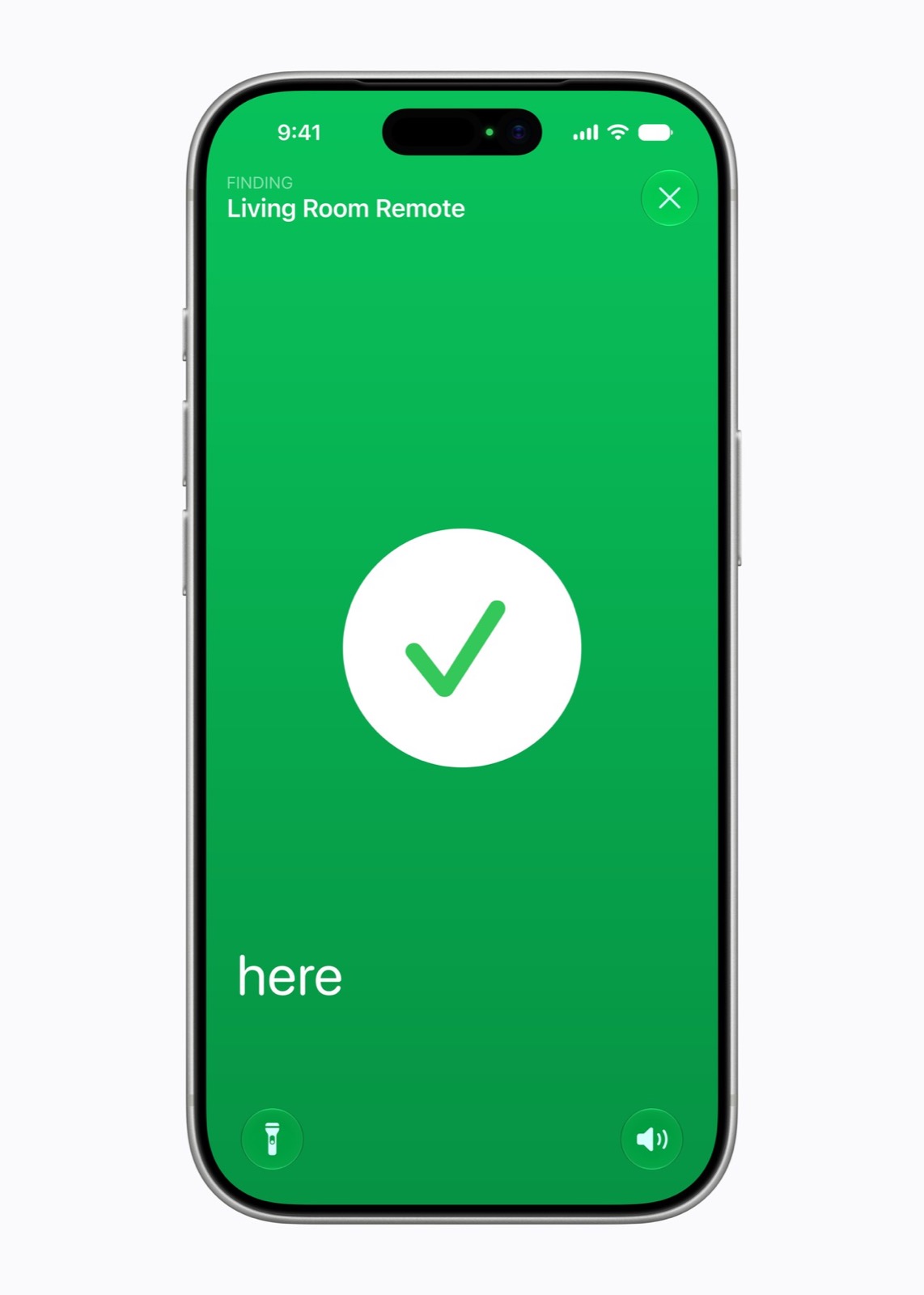
- A remote you can find: the Siri Remote now works with Find My, can play a sound and supports Precision Finding.
- HomePod surround sound: for the first time, you can build a four-speaker setup with HomePod mini 2 or HomePod (2nd generation) speakers.
- One model: according to Tom’s Guide, there’s only one version this time, with 128GB of storage.
What reviewers liked
- Still the best performer. Engadget says the box is super responsive and remains “the best streaming box you can buy” in terms of performance, scoring it 8.5 out of 10.
- Finding the remote. Engadget expects Precision Finding to get the most use in a house with kids. TechRadar asked “Siri, where’s the remote” with the whole system off, and the remote started chirping from under a cushion.
- Picture quality and formats. TechRadar highlights support for both Dolby Vision and HDR10+, plus HDR10 and HLG.
- A clean, ad-free home screen. Tom’s Guide calls its interface far cleaner than devices littered with ads, and TechRadar points to its privacy protections.
- Lots of storage. Tom’s Guide notes the 128GB is far more than the Google TV Streamer (32GB) or Fire TV Cube (16GB).
What reviewers didn’t like
- It costs much more than before. All three reviews flag the much higher price (Engadget calls it its biggest complaint), and Engadget is disappointed that the cheaper Wi-Fi-only model is gone.
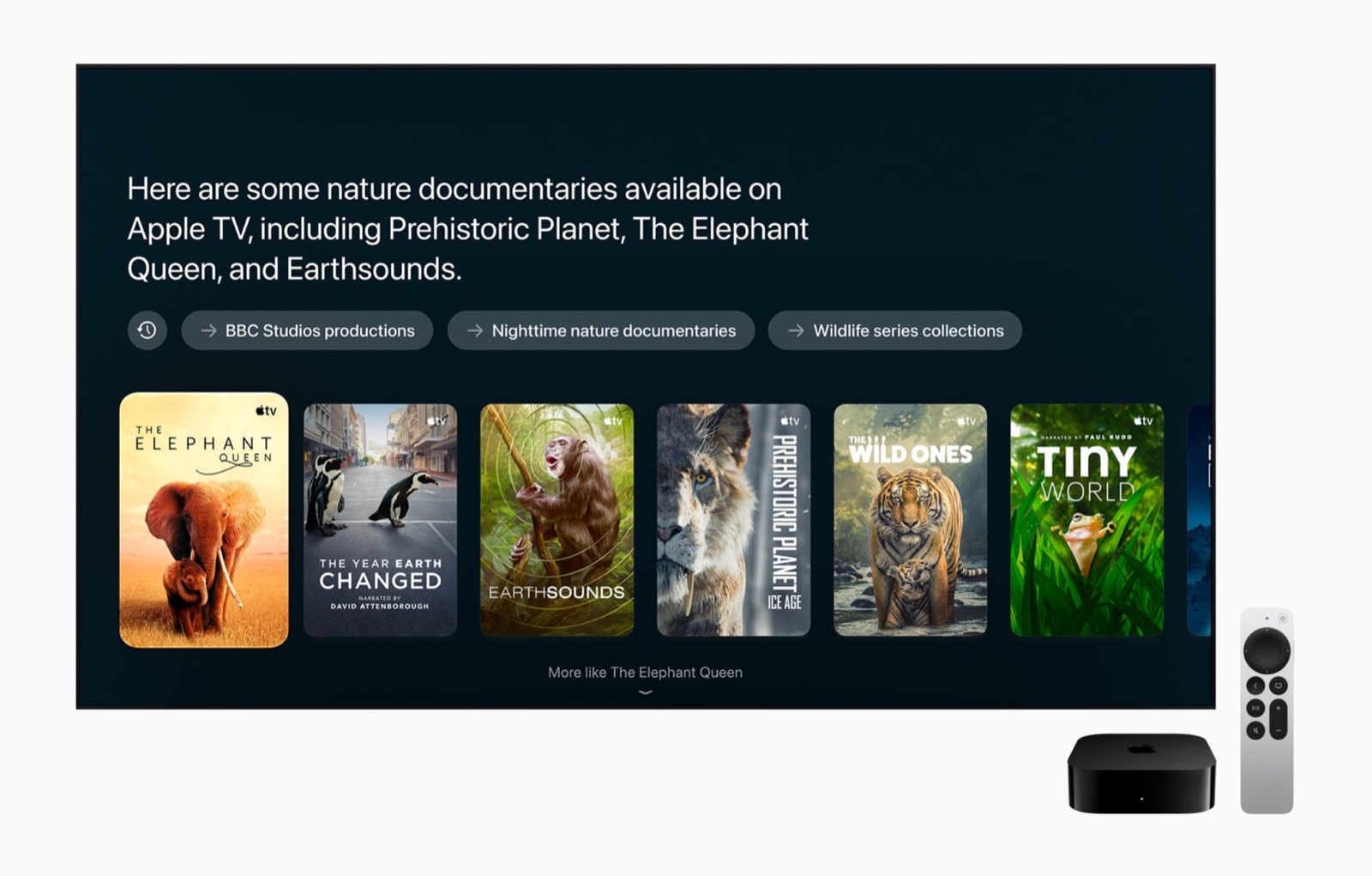
- Siri AI isn’t there yet. TechRadar found it inconsistent from app to app. Tom’s Guide says it falls well short of Gemini on the Google TV Streamer and Alexa+ on Fire TV when finding something to watch.
- Netflix gaps. Both TechRadar and Tom’s Guide found that Netflix doesn’t show up properly in Siri results or the Apple TV app’s universal search.
- No game streaming. TechRadar calls the lack of cloud gaming services “a huge miss” in 2026.
- Surround sound is a big investment. Engadget wonders how many people will put four HomePods in one room, and Tom’s Guide says at that cost you could look at a soundbar instead.
- Little reason to upgrade. TechRadar’s short answer for owners of earlier 4K models is no. Tom’s Guide also wishes the remote’s buttons were backlit.

Who should buy it
The Apple TV 4K (4th generation) makes the most sense if you’re buying your first streaming box, already use an iPhone and other Apple devices, and care about picture quality, privacy and a home screen without ads. It’s also a good fit if you want a smart home hub, since it has built-in Thread and works with Apple’s Home app accessories.
Skip it if you already own an Apple TV 4K (2nd generation or later): according to Apple’s Apple TV 4K User Guide, those models get the Siri AI beta with tvOS 27.2, and you can already find a lost remote with an iPhone (see how to find a lost Apple TV remote). It’s also not for you if you mostly want the smartest voice search or cloud gaming.
Alternatives worth a look
- Roku Ultra: Tom’s Guide points to it as a much cheaper box that still supports Dolby Atmos and Dolby Vision, if you can live with some ads.
- Google TV Streamer: in Tom’s Guide’s tests, Gemini gave much more relevant suggestions than Siri AI.
- Amazon Fire TV Cube: Alexa+ found movies faster in Tom’s Guide’s comparison, though Fire TV’s home screen is full of ads and sponsored content.
Why it’s our pick this week
The new Apple TV 4K is the fastest streaming box you can buy, with a remote you’ll never lose for long and an ad-free home screen that rivals still don’t match. Its price and a Siri AI that’s still a work in progress keep it from being an easy recommendation for everyone. If you already have one, check out how to fix YouTube on the new Apple TV 4K, and for everything Apple launched alongside it, see our HomeView and Apple TV 4K launch coverage.
Sources: Engadget review, TechRadar review, Tom’s Guide review, Apple Newsroom, Apple TV 4K User Guide
Where to buy


As an Amazon Associate I earn from qualifying purchases.