Security researchers have found two databases sitting open on the internet, with no password and no encryption, holding more than 3.6 billion records between them. One contains roughly 2 billion stolen usernames and passwords for services like Google, Facebook, Amazon and Roblox. Both databases have since been taken offline, but the discovery is a good reminder to check your accounts. Here’s what was found and what you should do.
What researchers found
The finds were first reported by Wired. As Engadget and Yahoo Tech explain, these are two separate discoveries made by two researchers working independently, so the headline number combines two unrelated datasets. It also includes duplicates, which means it doesn’t represent 3.6 billion different people.
Database 1: about 2 billion stolen logins
Jeremiah Fowler, a researcher with Black Hills Information Security, found roughly 2 billion login credentials spread across 8,471 folders. He said they came from “virtually every type of online service imaginable,” including:
- More than 114 million accounts linked to Google services
- 88 million Facebook accounts
- Almost 42 million Roblox accounts
- 36.6 million Amazon accounts
- Nearly 33 million X accounts
Fowler noted there may be overlap between services and users. The data was stored in plain text and included email addresses, passwords, browser data, session cookies and device details. About 400,000 documents appeared to come from more advanced malware that kept separate folders for individual victims.

Database 2: 1.6 billion identity records
Greg Pollock, director of research at security company UpGuard, found a second database with about 1.6 billion documents, mostly about people and businesses in mainland China. It included at least 840 million distinct national ID numbers, nearly 300 million phone number records, about 11 million student enrollment records and 7.8 million business registrations. Pollock told Wired it had been updated as recently as a week before he spotted it in October.
Where the stolen logins came from
Evidence in the larger database points to infostealer malware. This kind of malware infects a computer or phone and quietly copies the passwords, cookies and other data saved in its browsers. Criminals then collect that information, combine it and sell it.
Yahoo Tech highlights why the session cookies matter: with a valid session cookie, an attacker can often get into an account without knowing the password at all. That’s why changing your password alone may not be enough if you don’t also sign out of active sessions.
What this means for you
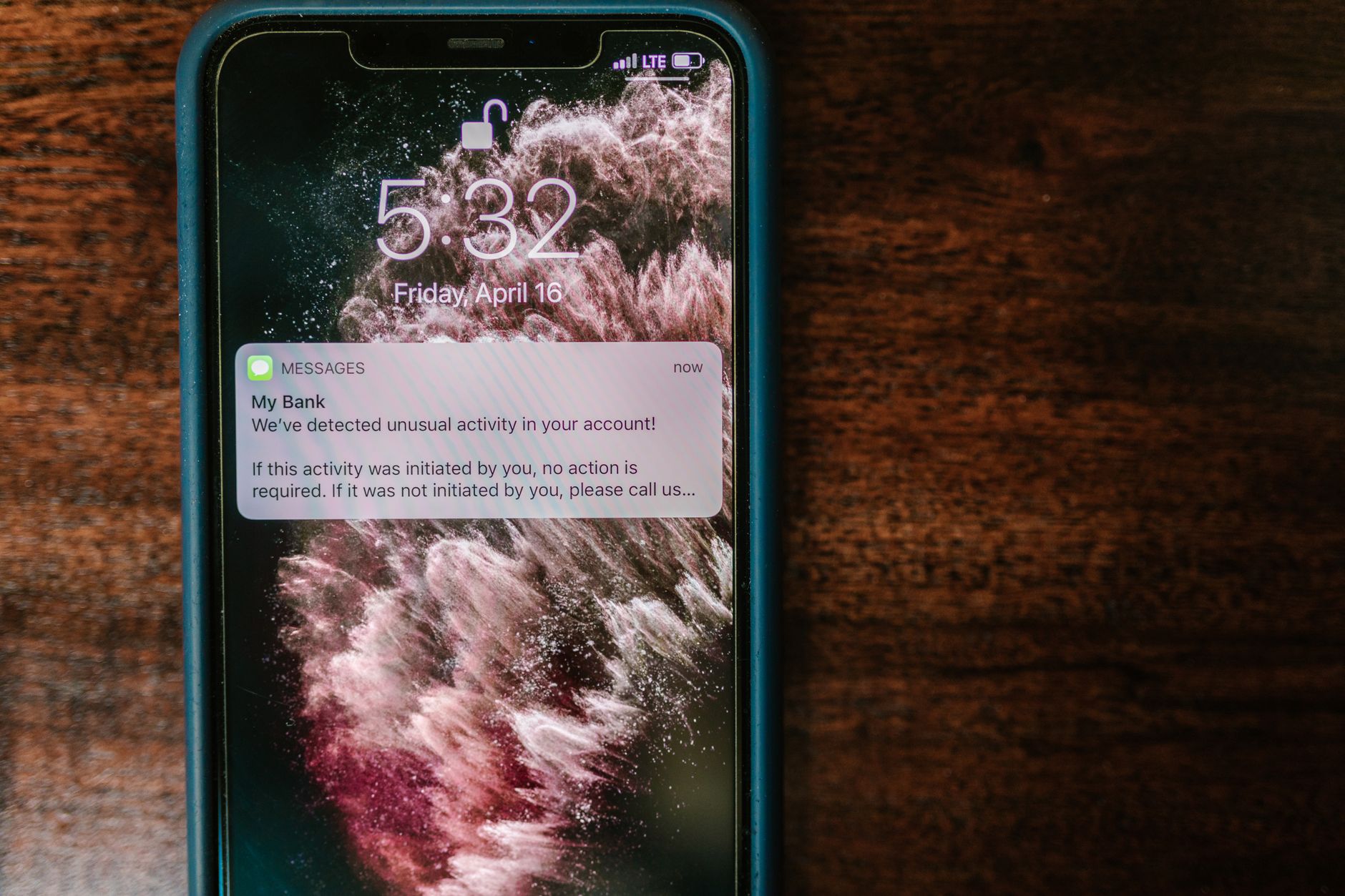
There’s no way to search these two databases, and they’re already offline. But data breaches happen all the time, so it’s safest to assume some of your old logins are out there and to take a few simple steps:
- Change reused passwords first. If you use the same password on more than one site, change it everywhere, starting with your email account, since email is the key to resetting everything else.
- Sign out of other sessions. Most big services, including Google, Facebook and Amazon, let you see where you’re signed in and sign out of devices you don’t recognize in their security settings. Do this after you change your password.
- Turn on two-factor authentication or passkeys. Even if someone has your password, a code on your phone or a passkey stops most takeovers.
- Use a password manager. The one built into your iPhone or your Google account is free and can create a unique password for every site.
- Check older breaches. The free site Have I Been Pwned shows whether your email address has appeared in known breaches. It may not include these new finds, but it’s a useful checkup.
- Avoid infostealers. Don’t install cracked software, game cheats or “free” versions of paid apps, and be careful with surprise attachments. Keep your computer and phone updated and run a security scan if something feels off.
- Watch for targeted scams. Leaked details make phishing messages more convincing. Be suspicious of any email, text or call that asks you to “verify” your account.
For more ways to protect yourself, see our guide on how to block spam calls and texts, and read how the Capcom ID breach played out earlier this fall.
Sources: Engadget (citing Wired), Yahoo Tech