Google is making two big changes to its smart home. The Nest app shuts down on January 25, 2027, and everything moves to the Google Home app. Then, on August 2, 2027, Gemini for Home replaces Google Assistant on Google’s smart speakers and smart displays. If you have a Nest thermostat, camera, doorbell or speaker, here’s what’s changing, what Google does for you automatically and what you should do before the deadlines.
The Nest app goes away on January 25
According to Google’s Nest transition page, the Nest app will be retired on Android, iOS, TV and the web (home.nest.com) on January 25, 2027. From then on, you control your devices in the Google Home app or at home.google.com.
- Your devices move automatically. Supported Nest thermostats, cameras, doorbells, smoke and CO alarms and locks transfer to the Google Home app starting January 25, along with camera video history, including event recordings and 24/7 history.
- Nest Aware (1st gen) becomes Google Home Premium. Google says your coverage continues at no extra cost with a Google Home Premium Advanced subscription starting January 25.
- March 25, 2027, is the hard deadline. That’s the last day to move an old Nest account to a Google Account before Google starts deleting data.
The core features carry over, Google says, including live HD video, two-way talk, Activity Zones, Familiar Face alerts, thermostat schedules and Energy History on the 3rd and 4th Gen Nest Learning Thermostat and Nest Thermostat E, Nest Protect alerts, and remote locking for the Nest x Yale Lock.
Gemini replaces Google Assistant on speakers in August
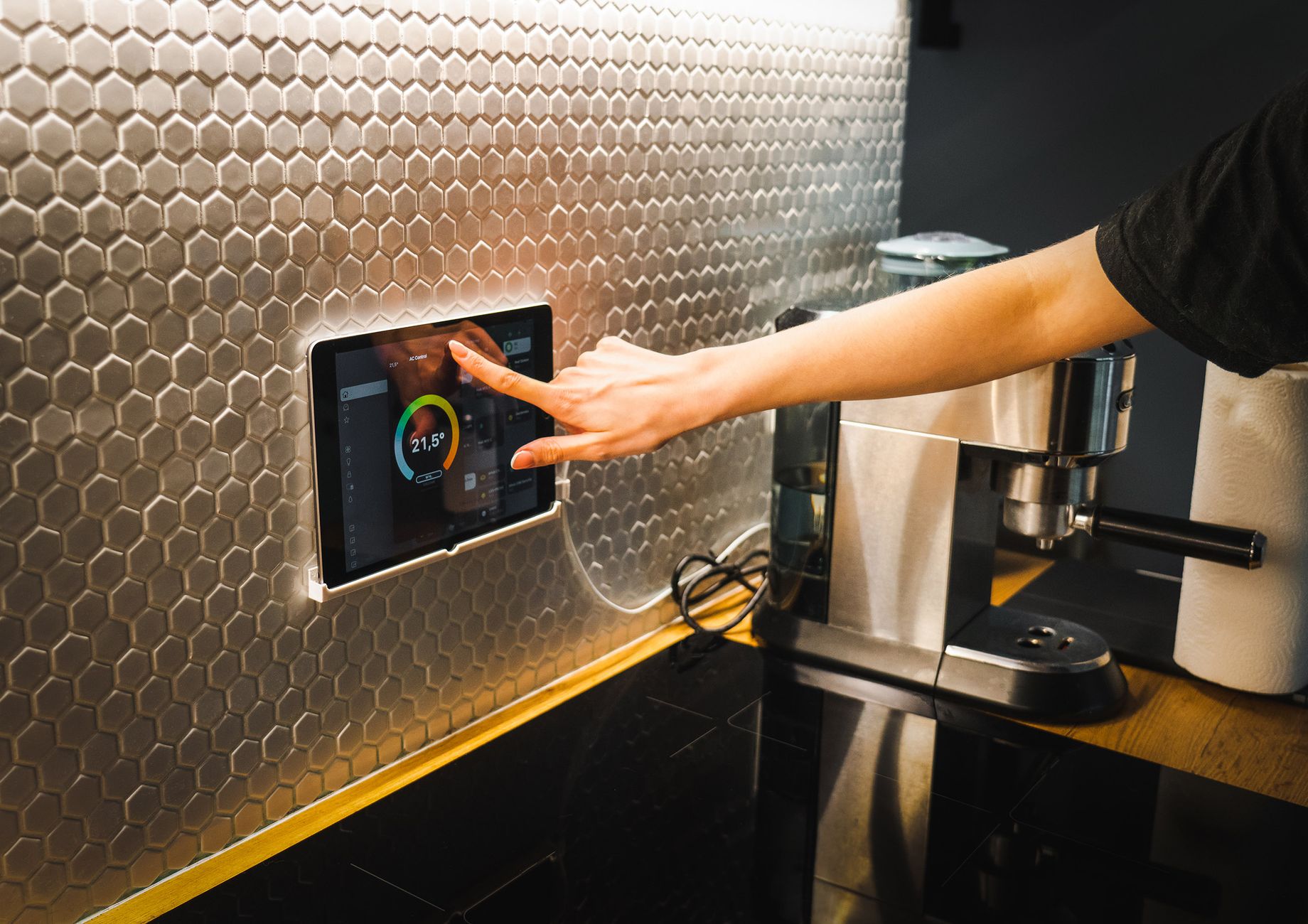
The second change comes later. On August 2, 2027, Gemini for Home will replace Google Assistant on smart speakers and smart displays, The Verge reports. Google says Gemini lets you ask more complex questions and talk naturally, without memorizing specific commands. The company already retired Google Assistant on phones earlier this year.
Will older speakers get Gemini? Google says it will be “available across all devices,” Android Authority reports, and the company plans to share more details before August. In a Reddit comment, Google also said third-party speakers, like Sonos devices, will be able to upgrade to Gemini for Home in the future.
What this means for you
- Install the Google Home app now. It’s free on Google Play and the App Store. Set it up before January so you’re not scrambling on the day the Nest app stops working.
- Check which account you use. If you started using the Nest app after August 19, 2019, Google says you already have a Google Account and don’t need to migrate. If you still sign in with an old Nest account, move it to a Google Account before January 25.
- Download saved clips first. For older Nest cameras and doorbells, clips you saved on home.nest.com won’t move to Google Home. Go to home.nest.com and use the “Download All” button before January 25 to keep them.
- Older devices may be left out. Android Authority notes that Google has already dropped some older hardware, like early Nest thermostats. If yours isn’t listed as supported, check Google’s transition page.
- Try Gemini on your speakers early. You don’t have to wait until August. Android Authority says you can switch now in the Google Home app or at home.google.com/gemini, which gives you months to get used to it.
If your smart devices keep dropping off the network, see how to fix smart home devices that keep disconnecting.
Sources: Google Nest Help, The Verge, Android Authority, Android Authority