Microsoft has shipped a new Windows 11 update that targets one of the most common complaints about budget and older PCs: sluggish performance when you only have 8GB of RAM. According to Windows chief Pavan Davuluri, the update makes these machines “up to 20 percent more responsive,” with multitasking speeding up by as much as 40 percent in Microsoft’s own lab testing.
Why 8GB PCs needed help
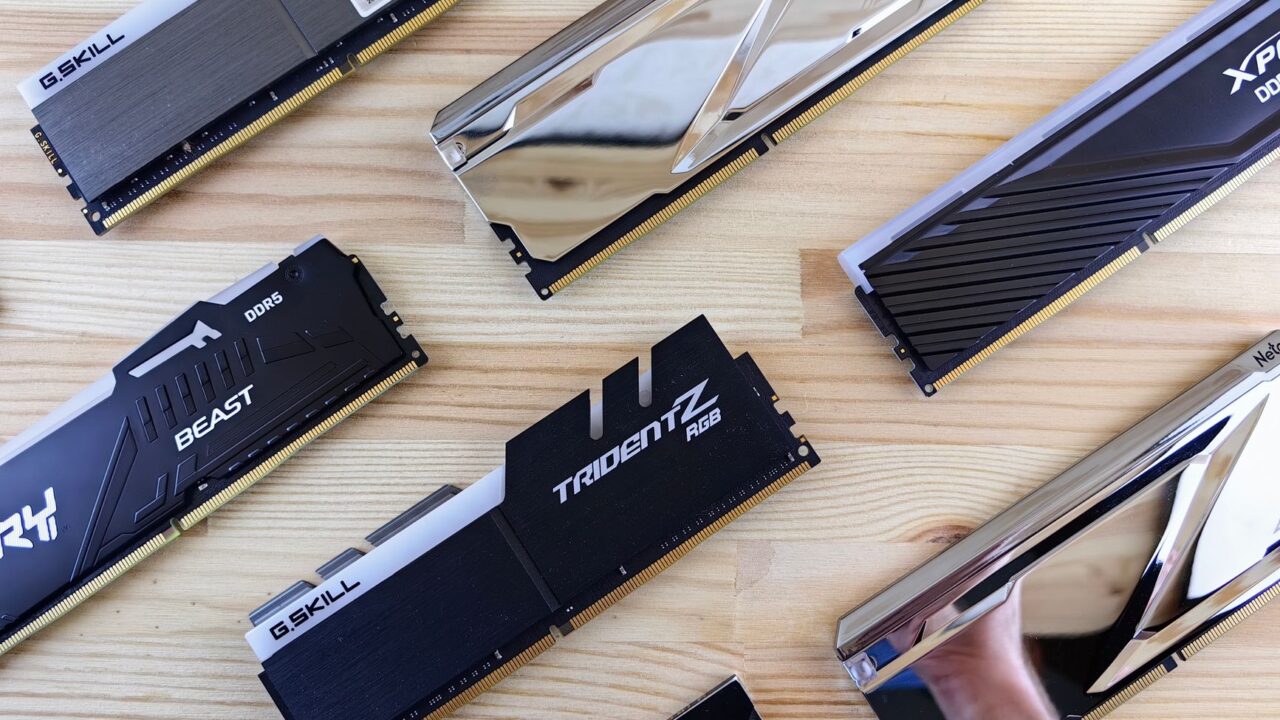
Eight gigabytes of RAM has long been the entry point for budget Windows laptops and desktops, but modern browsers, background apps, and Windows itself have made that amount feel increasingly tight. When a system runs low on memory, Windows falls back on a paging file, essentially using the hard drive or SSD as overflow storage. That’s far slower than RAM, and it’s the main reason low-memory PCs can feel like they’re struggling the moment you open more than a few browser tabs or switch between apps.

This isn’t Microsoft’s first pass at the problem. The company said last month that Windows 11 was already becoming “more responsive” on 8GB machines, and this update builds directly on that work.
How Microsoft squeezed out more performance
The headline fix is better memory compression. By compressing inactive data more efficiently, Windows can now hold up to 2GB more of a user’s active data directly in memory instead of writing it to the slower paging file. In practice, that means an app or browser tab you left open is less likely to need a full reload when you switch back to it.
Microsoft also trimmed memory use across its own software. Changes to Windows, Edge, and Microsoft 365 apps reduce what the company calls “committed-memory growth” by up to 900MB combined. Word, PowerPoint, Excel, and Outlook alone account for roughly 360MB of that savings. Windows 11 also no longer loads widgets in the background on 8GB systems until you actually open the widgets panel, saving about 200MB, while inactive tabs in Edge now go to sleep after 15 minutes to free up memory that would otherwise sit unused.
More changes are coming
Microsoft says this update isn’t the finish line. Memory compression is expected to get “smarter and more efficient” over the coming months, and the company plans to have more Windows features and apps share common components, such as a single web engine powering both widgets and search. Microsoft is also working with PC and chip manufacturers to reduce how much memory hardware needs to reserve for itself, freeing up more RAM for Windows and the apps running on it.
Who should care
This update matters most to anyone running a budget laptop, an older desktop, or a PC bought with cost-cutting in mind rather than performance. If you’re not sure how much memory your machine has, it’s worth checking your current RAM and whether it can be upgraded. For 8GB systems that can’t be upgraded, though, these software-side improvements are a meaningful way to claw back responsiveness without spending anything. To get the improvements, check your Windows 11 version and install the latest update.
The bottom line
Microsoft’s latest Windows 11 update won’t turn an 8GB PC into a high-end machine, but the claimed 40 percent multitasking improvement and smarter memory handling should make everyday use noticeably smoother on budget hardware. With more optimizations promised in the coming months, this looks like the start of a longer effort rather than a one-time fix.
Source: The Verge
Where to buy
As an Amazon Associate I earn from qualifying purchases.