Posted an Instagram Story with a typo, or forgot to add the song? You no longer have to delete it and start over. Instagram now lets you edit a Story for up to 15 minutes after you share it, and you keep the views, likes and replies it already got. Instagram head Adam Mosseri announced the change on November 18. “A lot of people have been asking for this, so I’m excited to get this one out there,” he wrote, as quoted by Engadget.
What you can change
- Text, music, stickers and drawings, according to The Verge. Engadget adds that you can rewrite the caption altogether.
- Only for 15 minutes. After that window closes, the Story is locked again.
- Edits are labeled. People who view an edited Story will see an “edited” label, Engadget reports.
The feature is rolling out now. Reverse engineer Alessandro Paluzzi first spotted Instagram working on it back in April, The Verge notes.
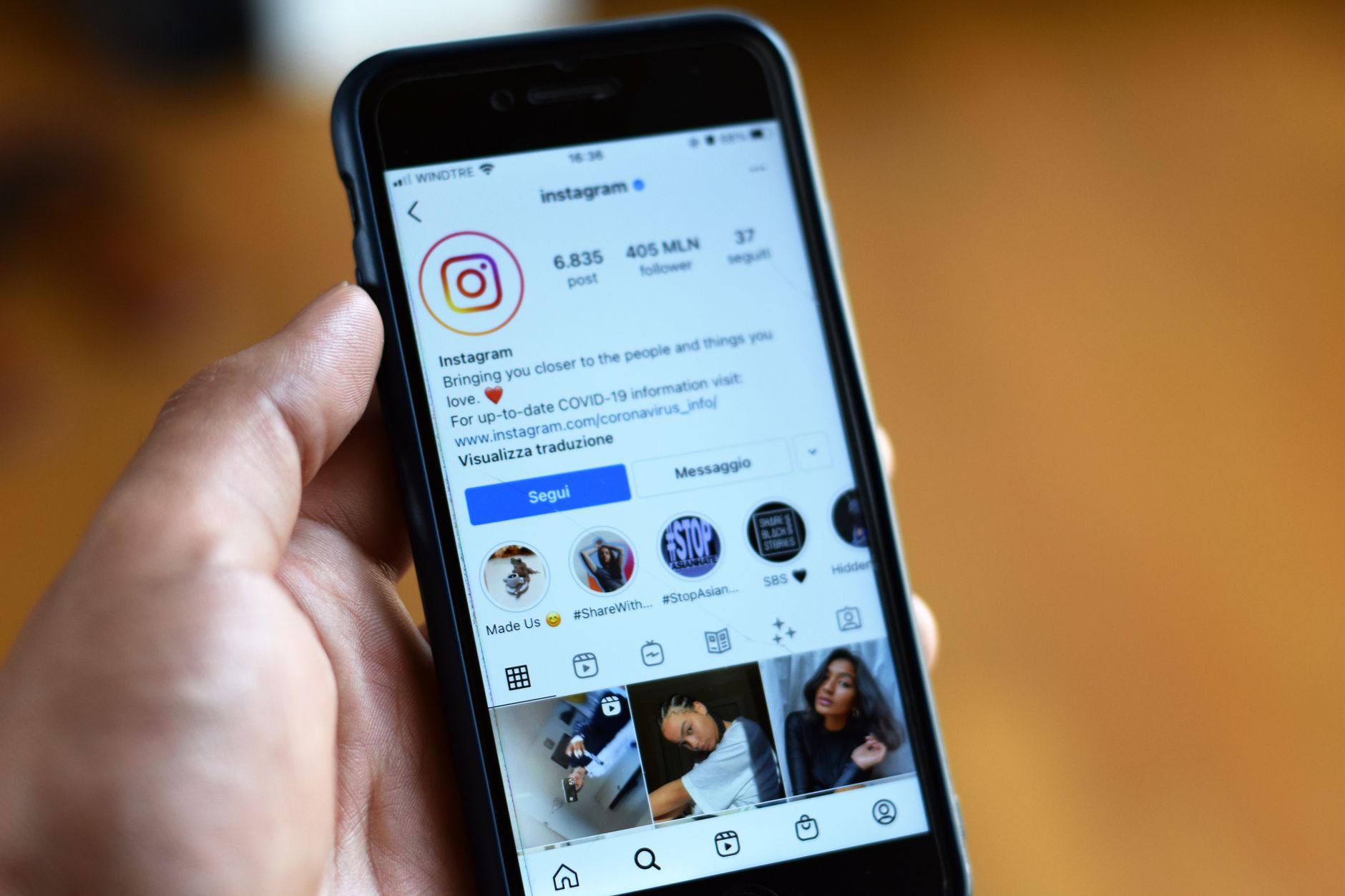
How to edit a Story
- Open the Story you just posted.
- Tap the three-dot More menu in the bottom-right corner.
- Tap Edit Story, make your changes and share it again.
Also new in Stories
Instagram is refreshing the Stories editor at the same time. According to The Verge, stickers get new fonts, colors and shapes, and they now appear on sticker sheets that should be easier to browse. Selecting several photos at once is getting easier, and there are new blur, color and gradient background options.

What this means for you
- Your Story stays in order. Before, deleting and reposting one slide pushed it to the end of your Story, as Engadget points out. Now a fix leaves it where it was.
- You don’t lose your numbers. Views, likes and replies stay with the Story. That matters most if you post for a business or as a creator.
- Check right after you post. With only 15 minutes to make changes, take a quick look at each Story as soon as it’s up.
- Swapping the photo or video isn’t on the list. The edits Instagram describes cover text, music, stickers, drawings and the caption. To replace the picture or clip itself, you’ll still need to delete and repost.
- Don’t see the option yet? It’s rolling out gradually. Make sure the Instagram app is updated from the App Store or Google Play, and check again over the next few days.