If you’ve heard that Google is “cracking down on sideloading” and wondered whether it affects your phone, here’s the short version: for most people, nothing changes. But if you install apps from outside Google Play, it’s about to get more complicated. Here’s what sideloading is, what Google is changing starting in January 2027, and what it means for you.
What is sideloading?
Sideloading means installing an app without going through Google Play. Instead, you download the app’s installer file, called an APK, from a website, or you get the app from another store, like Samsung’s Galaxy Store. Android has always allowed this, and it’s one of the biggest differences from the iPhone.
People sideload for many reasons:
- The app isn’t on Google Play, like some games, emulators and open-source apps.
- They want a beta or an older version of an app.
- The app isn’t available in their country.
The downside is safety. Apps from outside Play don’t go through Google’s review, and fake or malicious apps are a common way scammers steal passwords and money. Scammers often pressure people over the phone or by text to install an app “to fix a problem” or “verify an account.”
What’s changing: developer verification
Google’s answer is Android developer verification. Developers have to verify their identity and register their apps with Google, even if they never publish on Google Play. Google says this is “an extra layer of security that helps deter bad actors and makes it harder for them to repeatedly spread harm.”
- It started on September 30, 2026, in Brazil, Indonesia, Singapore and Thailand, according to Google’s Android Developers Blog.
- The global rollout begins in January 2027, together with seven app stores: Google Play, Galaxy Store, Honor, Oppo, Xiaomi, Transsion and Vivo.
- It then expands over several months to all countries and all installation sources on certified Android devices, Google says.
- It reaches older phones too. Android Authority reports that it applies to devices running Android 7.0 or newer.
Google also says millions of apps have already been registered since verification opened to all developers in March, and that they represent “over 99%” of all Android app installs.
What it means for you
If you get your apps from Google Play or your phone maker’s store: you probably won’t notice anything. Those apps are the ones that are already registered.
If you sideload an app whose developer isn’t verified: you’ll still be able to install it, but Google has made the setting harder to turn on. According to Android Authority, the steps are:
- Open Developer options and choose Apps from unverified developers.
- Turn on Allow apps from unverified developers.
- Confirm it’s you, and confirm that nobody is pressuring you to make the change.
- Restart your phone.
- Wait 24 hours.
- Go back to the setting and choose to allow these apps for seven days or indefinitely.
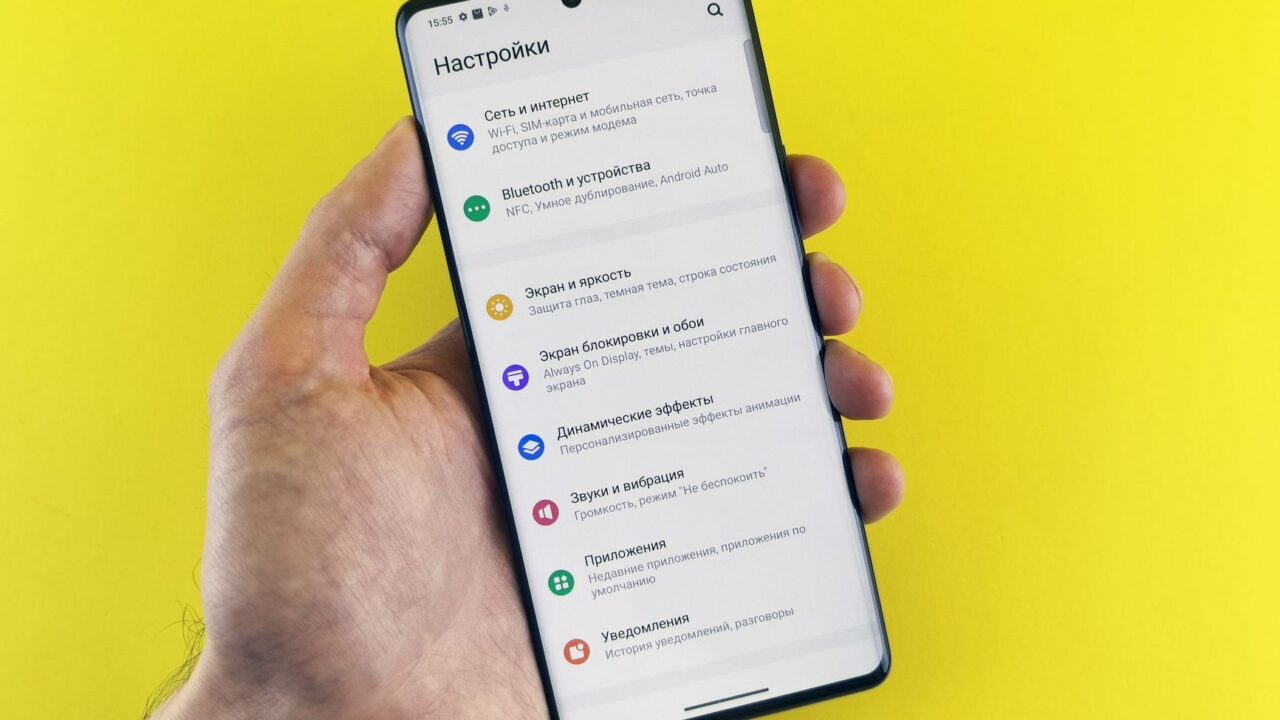
The 24-hour wait and the “nobody is pressuring you” check are aimed at phone scams: if someone is on the line telling you to install an app right now, the delay gives you time to realize it’s a scam. Developer options are hidden by default. On most phones, you turn them on by tapping Build number seven times in Settings > About phone.
What about hobby developers?
Students and hobbyists who build apps for themselves or friends can use free “limited distribution” accounts. Google says these don’t require a registration fee or a government ID, and they can share an app with up to 50 devices.
Why it’s controversial
Android’s openness is a big part of its appeal, and critics worry the new rules give Google more control over what you can install, even outside its own store. Google says the system balances openness and safety, and points to the advanced option above for experienced users who accept the risk. Either way, sideloading unverified apps is about to become more of a hassle, as Android Authority puts it.
According to Google’s Android Help page, the requirement applies to certified Android devices. Non-certified devices and phones running plain open-source Android (AOSP) are exempt, and so are regions where Google’s services aren’t supported.
Quick answers
- Will my current apps stop working? Google hasn’t said apps you already have will be removed. The rules are about installing apps.
- Is sideloading being banned? No. Unverified apps can still be installed with the steps above.
- Does this affect iPhones? No. iPhones are far more locked down: apps outside the App Store are only allowed in the European Union, where Apple had to open up under EU law.
- Should I sideload at all? Only from developers and websites you trust. Never install an app because someone called or texted you and told you to.
Sources: Android Developers Blog, Android Help, Android Authority