A mid-range gaming PC is the sweet spot for most players: fast enough to play almost anything at 1080p with high frame rates and to handle 1440p well, without paying for flagship parts. In 2026 it also costs more than it used to, because memory, storage and graphics card prices have climbed as AI data centers soak up supply. This build lands at about $1,450 with the RAM included, and pairs one of AMD’s gaming-focused X3D processors with an Nvidia RTX 5060 Ti.
The parts and prices come from Tom’s Hardware’s gaming PC build list, last updated October 14, 2026. Unlike Tom’s, we count the RAM in the total so you know what you will really spend. Prices change often, especially for RAM and graphics cards, so check the current price before you buy.
As an Amazon Associate I earn from qualifying purchases.
The Mid-Range Gaming PC Parts List
| Part | Our pick | Approx. price | Buy |
|---|---|---|---|
| CPU | AMD Ryzen 5 7600X3D | $230 | Check price |
| CPU cooler | ID-COOLING FX360 INF (360mm liquid cooler) | $80 | Check price |
| Motherboard | Asus TUF Gaming B650E-E WiFi | $165 | Check price |
| Memory | 16GB (2×8GB) Corsair Vengeance DDR5-5200 | $200 | Check price |
| Storage | Patriot P400 1TB PCIe 4.0 NVMe SSD | $149 | Check price |
| Graphics card | Nvidia GeForce RTX 5060 Ti 8GB | $499 | Check price |
| Power supply | ASRock Challenger CL-750G (750W, 80 Plus Gold) | $60 | Check price |
| Case | Montech TG3 (ATX mid-tower) | $69 | Check price |
| Total | ≈ $1,450 |
Windows is not included. You also need a Phillips #2 screwdriver and a USB flash drive of at least 8GB to install Windows 11. Working with a smaller budget? See our budget gaming PC build for about $1,100.
Why We Picked Each Part
CPU: AMD Ryzen 5 7600X3D
The 7600X3D is a 6-core, 12-thread processor with 96MB of L3 cache. That extra cache, AMD’s 3D V-Cache, is what makes X3D chips so strong in games, and Tom’s Hardware calls this one great for 1080p gaming. It runs on AMD’s AM5 platform, so you can move up to a Ryzen 9000 chip later without replacing the motherboard. If the 7600X3D is out of stock, the 8-core Ryzen 7 7800X3D (about $337) is the step up Tom’s uses in its pricier build.
CPU cooler: ID-COOLING FX360 INF
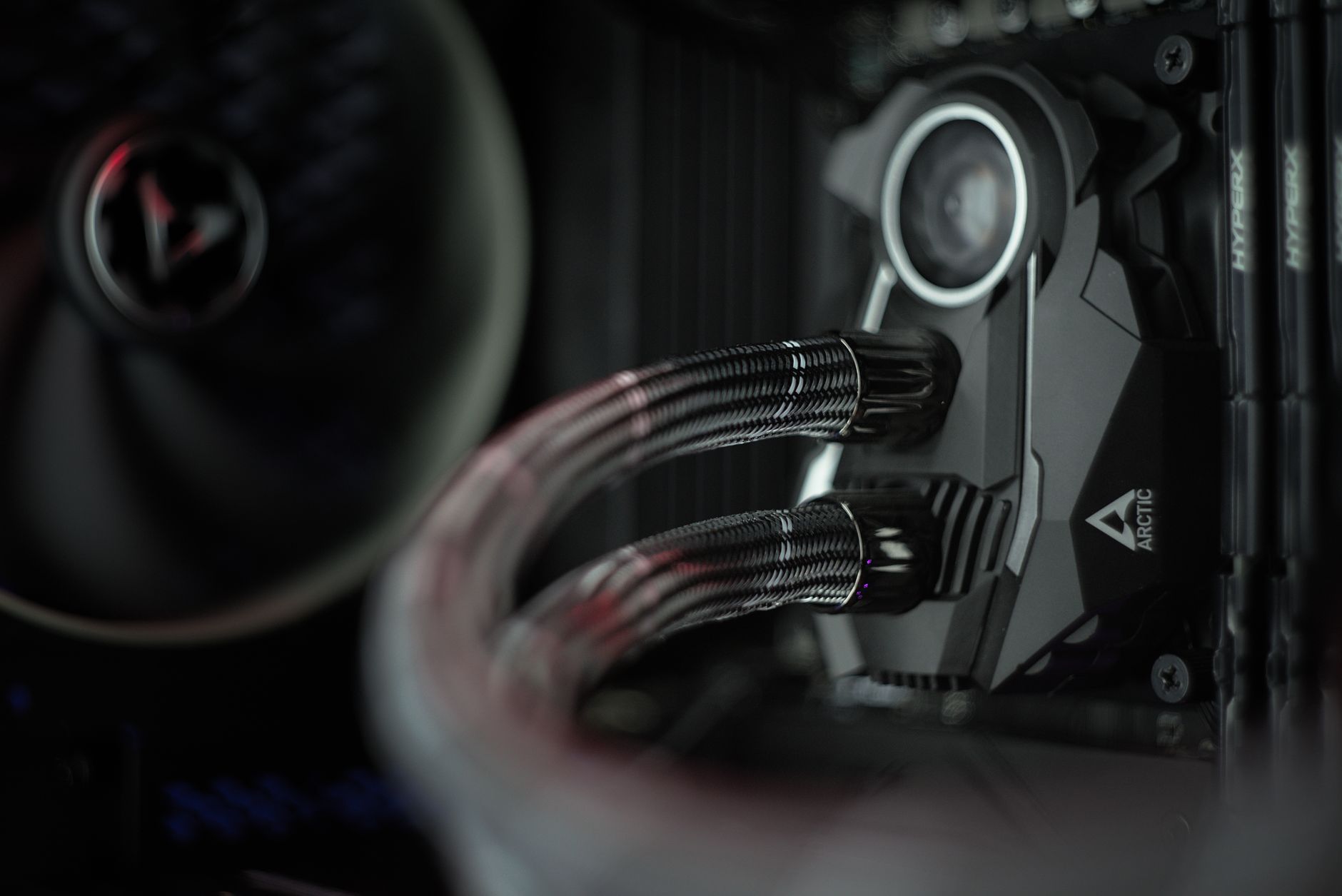
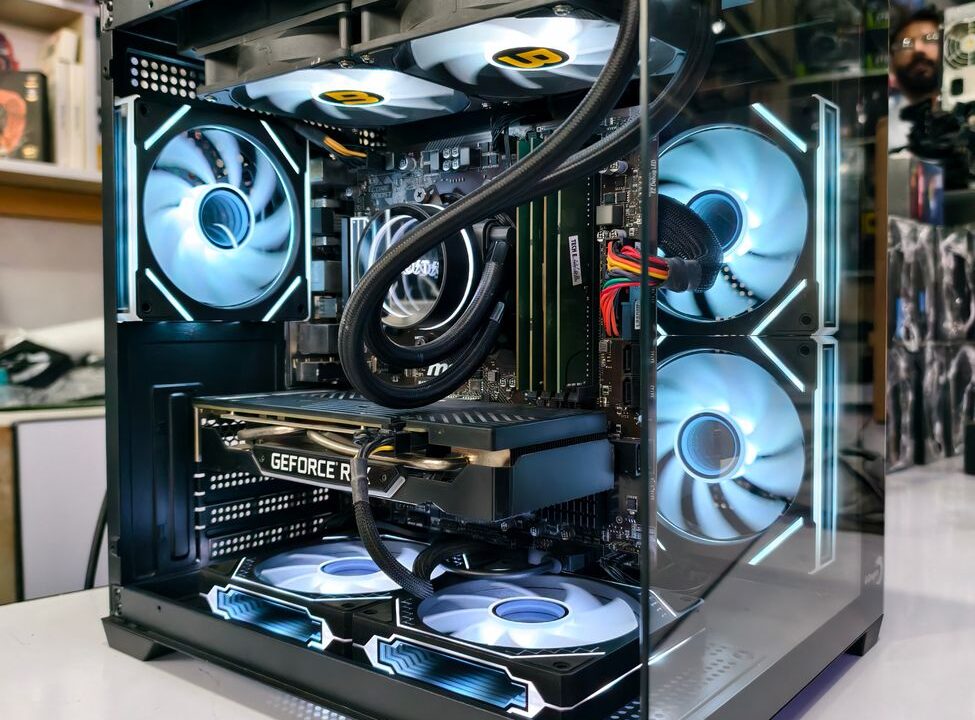
The 7600X3D does not come with a cooler, so this build adds an inexpensive 360mm all-in-one liquid cooler. It is more cooling than this chip strictly needs, but it keeps temperatures and fan noise low, and the case below has room for a 360mm radiator on top.
Motherboard: Asus TUF Gaming B650E-E WiFi
This is a budget-class AM5 board with built-in Wi-Fi, enough USB ports and power delivery that easily handles the 7600X3D. Its most useful extra is BIOS Flashback, which lets you update the BIOS from a USB drive before a CPU is installed. That matters if you later upgrade to a newer Ryzen chip.
Memory: 16GB DDR5-5200
RAM is the part that has jumped the most in price. This 16GB Corsair Vengeance kit costs about $200, and 32GB kits run about $479 at the speeds Tom’s recommends. DDR5-5200 is not the fastest memory, but Tom’s notes that faster or bigger kits cost a lot more for small gains at this price point. Turn on EXPO in the BIOS so the RAM runs at its rated speed. If you play a lot of memory-hungry games or keep many apps open, 32GB is the upgrade to plan for.
Storage: Patriot P400 1TB
This build steps up to a 1TB PCIe 4.0 drive, rated at 6,200MB/s reads and 5,200MB/s writes, with a 1,280TB write endurance rating. That is more than three times the read speed of the PCIe 3.0 drive in our budget build. Capacity is the weak spot: with big games pushing past 100GB (GTA 6 is expected to need around 210GB), a second drive is a likely upgrade.
Graphics card: Nvidia RTX 5060 Ti 8GB
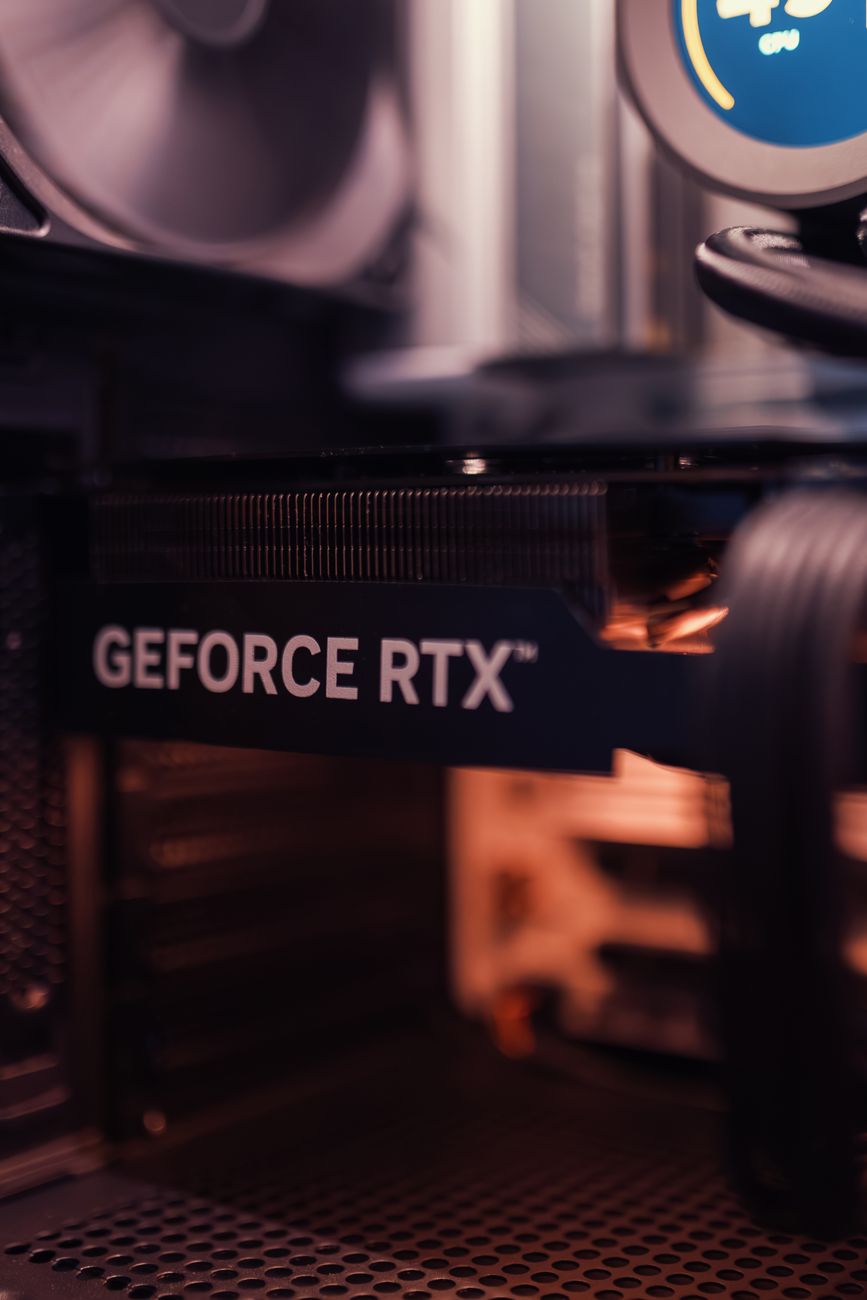
The graphics card does most of the work in games. According to Tom’s Hardware, this build plays games really well at 1080p and competently at 1440p, and the RTX 5060 Ti supports Nvidia’s DLSS upscaling to raise frame rates further. The trade-off is the 8GB of video memory: Tom’s found real compromises versus the 16GB version, especially at 1440p with higher settings. If you plan to play mostly at 1440p, the RTX 5060 Ti 16GB is the better card, but it costs about $794 right now, nearly $300 more. AMD’s Radeon RX 9060 XT is an alternative; Tom’s says it matches the RTX 5060 Ti at 1080p but falls behind at 1440p and with ray tracing.
Power supply: ASRock Challenger CL-750G
A 750W, 80 Plus Gold unit leaves plenty of headroom for this build and a future graphics card upgrade. It meets the ATX 3.1 standard and includes a native 12V-2×6 cable for the GPU, and ASRock backs it with a 5-year warranty.
Case: Montech TG3
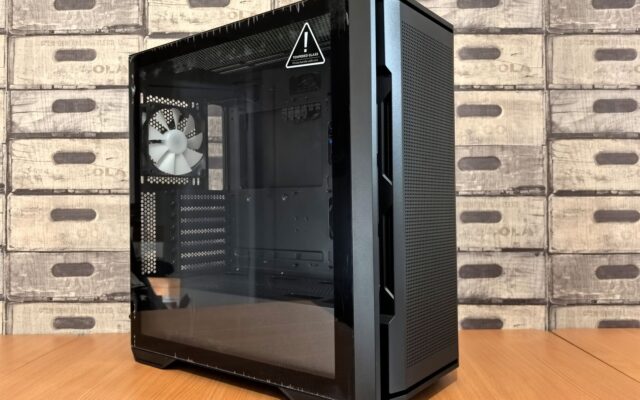
Tom’s Hardware reviewed this panoramic glass mid-tower and found a lot for the money: four ARGB fans included, solid CPU cooling, support for radiators up to 360mm on top, and plenty of room for large graphics cards.
Where to Save Money
- Look for a RAM combo deal. Tom’s Hardware leaves RAM out of its build totals because bundles that pair memory with a CPU or motherboard can cut the RAM cost in half or more. Those deals sell out fast, but they can take $100 or more off this build.
- Use an air cooler. The $25 Thermalright Assassin X 120 Refined SE from our budget build is a common pick for 6-core AM5 chips and saves about $55, though expect higher temperatures and more fan noise than with the 360mm liquid cooler.
- Price out a prebuilt. With component prices this high, Tom’s Hardware notes that a prebuilt gaming PC is often the cheaper route. Compare one with an RTX 5060 Ti and an X3D processor against this list before you buy parts.
Watch a Full Build Before You Start
If this is your first PC, watch a complete build once before you open any boxes. The parts in this video are different, but the steps, including mounting a liquid cooler, are the same.
Once it is running, check your CPU temperature to make sure the cooler is mounted well, and update your drivers, starting with the graphics driver.
The Bottom Line
About $1,450 with RAM gets you a well-balanced mid-range gaming PC in late 2026: an X3D processor that is excellent in games, an RTX 5060 Ti for high frame rates at 1080p and solid 1440p play, and an AM5 platform you can upgrade later. If 1440p is your main goal, put the extra money into the 16GB version of the graphics card first.